
GA4 Lead Tracking for Small Businesses in 2026: Measure Forms, Calls and Real Enquiries
Your website may get lots of visits but few new buyers. Or it may get calls that do not show in your web charts. To know what works, you need to count the right things. Google Analytics 4, or GA4, can help you track key actions on your site.
Yet a click is not always a lead. A person may tap a call link and hang up. A form may fail after someone hits Send. This guide shows how to track real actions and read the data with care.
Decide what a lead means
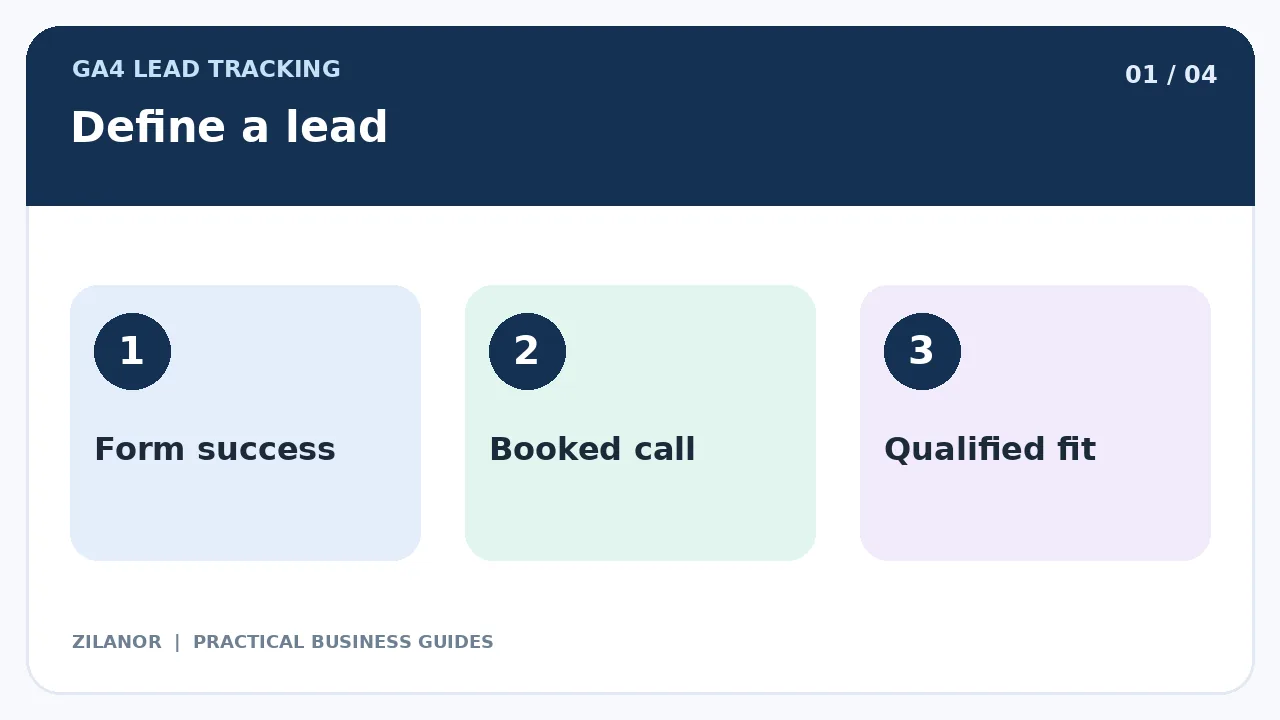
Start with the work your firm does. A home repair shop may count a full quote form as a lead. A software team may count a booked demo. A small agency may count a call from a firm that wants its service.
Write a clear rule for each kind of lead. Keep a call-link tap apart from a call that took place. Keep a form start apart from a form that was sent and saved. This helps your team trust the count.
Know the stages
A visitor may first read a page. Then they may tap Contact. They may send a form. Later, a staff member may check if the person is a good fit. At last, a buyer may pay. These are not the same steps.
GA4 can help count web actions. Your sales tool may be best for the later steps. Do not make web visits look like new sales.
Use clear event names
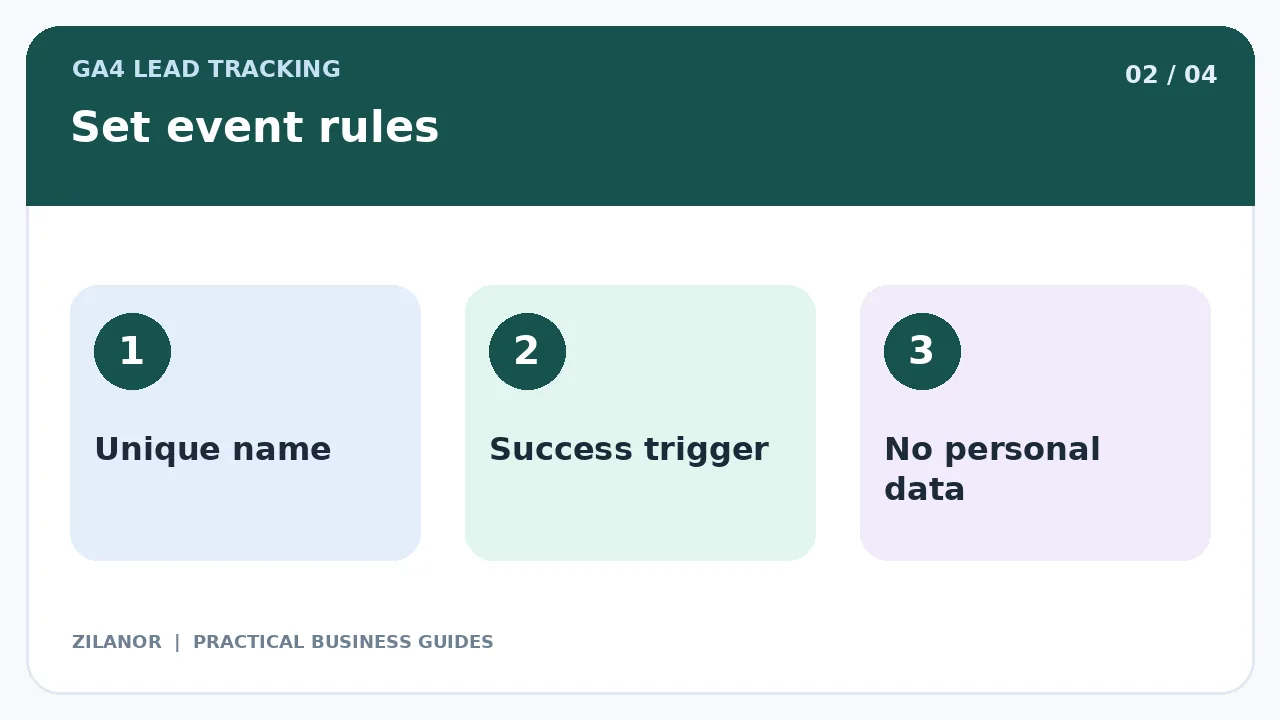
GA4 tracks actions as events. You can mark key events that mean a lot to your firm. Pick a short name for each one. Write what must happen before the event fires.
For a lead form, do not fire a success event just because the Send button was tapped. Wait for the site to say the form was saved. If the form has an error, the person has not sent a lead yet.
Test the form path
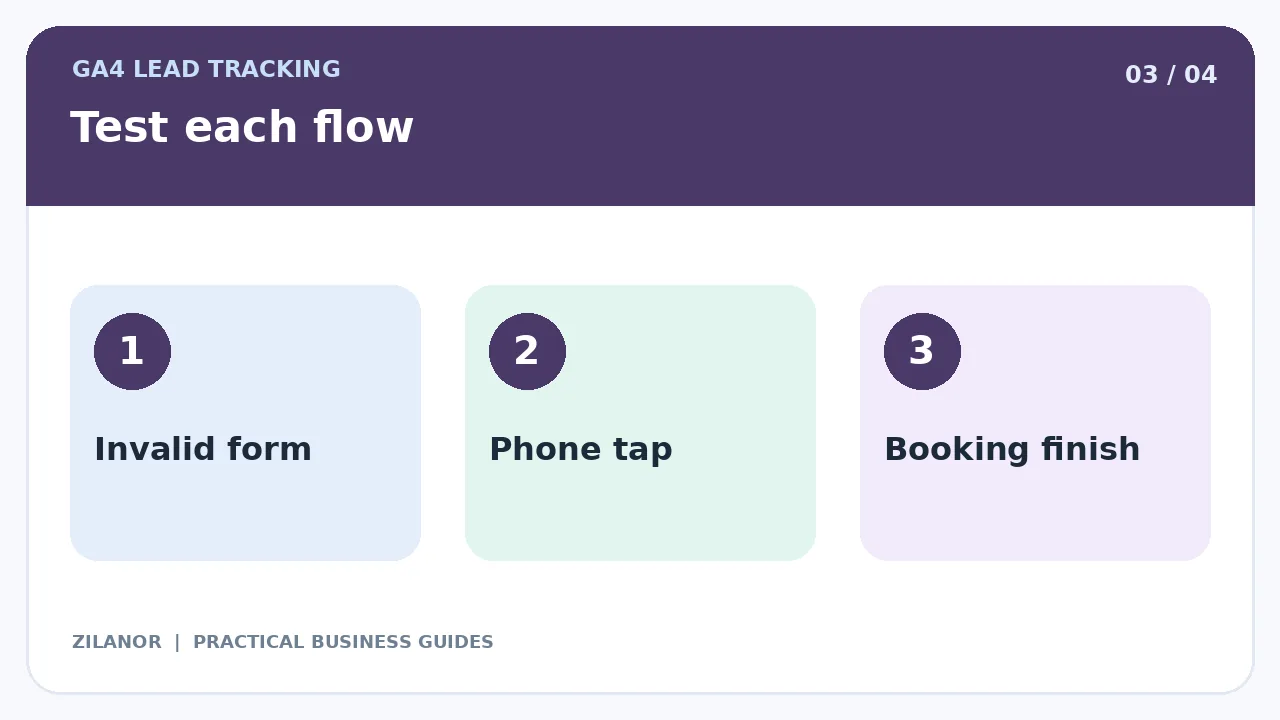
Try a blank form. Try a bad email address. Try a weak web link. Tap Send twice. Make sure you do not count a new lead for an error or a repeat click. Check that the form note reached your inbox or sales tool.
Some sites use a thank-you page. That may work, but a person could open it from an old link. Test that too. A success event tied to a real saved form is often a clearer sign.
Track phone taps with care
A tap on a phone link shows that a person tried to call. It does not show that you spoke to them. It does not prove the call was useful. Name the event so the report says what it is.
If you use a call tool, check its data and consent rules. Some places have strict rules for call logs and voice files. Do not record calls without the right basis. A small firm can start with phone taps and a staff call log.
Count booked calls only when booked
A person may open your booking tool but leave with no time set. Do not count that as a booked call. Track the final step when the tool says the booking is set. Test what happens when a person moves or drops a booking.
If the booking page sits on another site, check that your tracking still works. Use a test booking and see if the right event shows. Do not count one person who books twice as two new buyers unless that fits your rule.
Test the path from end to end
Open the site in a fresh browser. Send a test form. Check the success note, your inbox, and the GA4 event. Write down the time. Check the real-time tools where you can. Keep in mind that some reports take time to fill.
Test on a phone and a laptop. Test with a slow link. Some people block tracking or say no to its use. Their web actions may not show in GA4. Your lead inbox may still have the real form. Use both sets of facts.
Keep private data out of GA4
Do not send names, email addresses, phone numbers, or free-text notes as event values. A form note may hold more private facts than you expect. You may track a form type or broad service name if that is safe and fits your rules.
Check the privacy and consent rules for each market you serve. Make sure your tags follow the choices on your site. A global firm should not copy one country’s default rule for all users.
Look at the source of each lead
GA4 can help you see which web channels led to key actions. But a channel with many clicks may not bring good leads. One ad may bring a lot of people who want a service you do not sell. A small search group may bring fewer but better leads.
Ask your sales team to mark which leads fit. Use a clear rule. Then review web data with the sales notes. Do not let one big traffic count decide where you spend.
Name your campaigns the same way
Use a short rule for campaign links. Keep names and case the same. If one person writes Email and another writes email, the report may split what should be one group. Test the links before you share them.
Do not put campaign tags on links that move a person from one page to another on your own site. That can mix up where a visit came from.
Make a weekly lead report
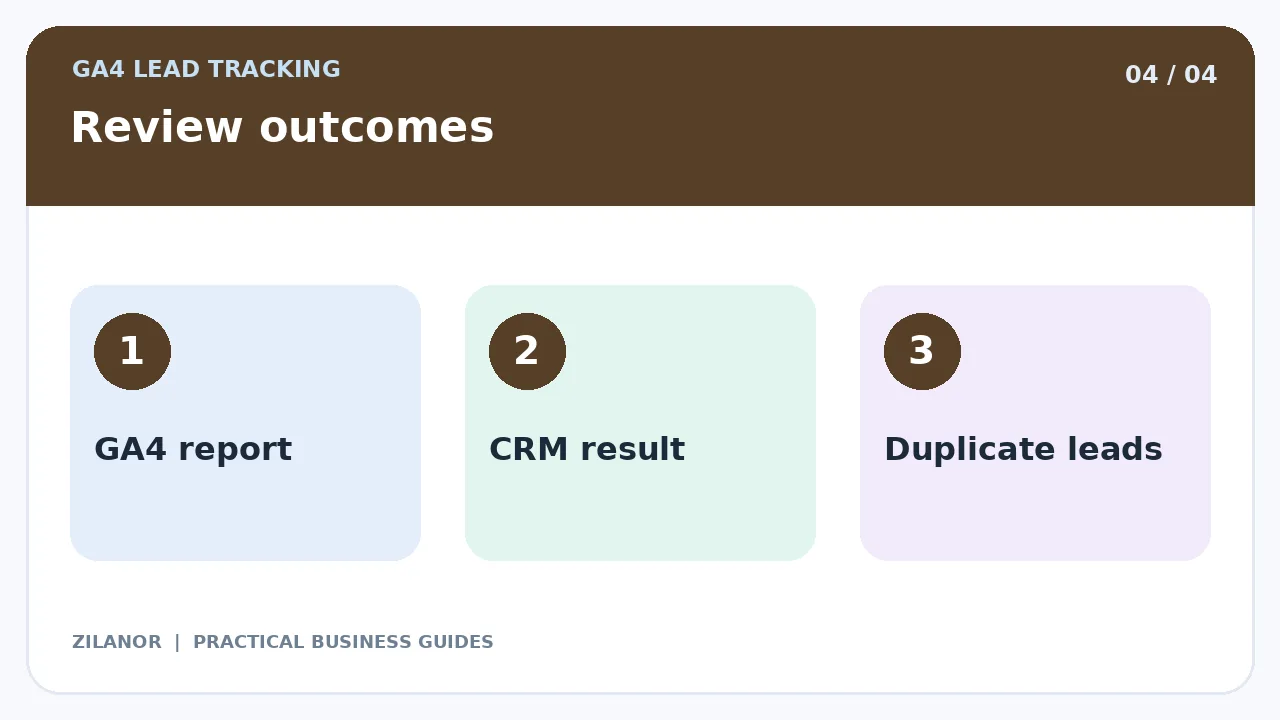
Keep it short. Count site visits, true form sends, phone taps, booked calls, good leads, and new sales. Say which tool owns each count. A phone tap and a form from one person may be two actions, but just one buyer.
Write a note next to big changes. Did the form break? Did a new ad start? Was there a holiday? Did staff miss calls? A change in the count may have more than one cause.
Use a few weeks of data when your numbers are small. One busy day may not show a real trend. Keep the report fair and simple.
Example: a repair shop
A repair shop gets 2,000 site visits in a month. It sees 90 taps on Contact. Staff get 42 forms and 31 calls. Some people did both. The owner should not add all those counts and call them 163 new leads.
First, the team checks repeats. Then it looks at which calls and forms led to real jobs. It finds that the form fails on some phones. Fixing that fault may help more than buying new ads.
Common mistakes to avoid
Do not call every page view a lead. Do not fire a success event on a failed form. Do not call a booking-page visit a booked call. Do not send private form text to GA4. Do not mark each tiny tap as a key event.
Give each event a clear use. If staff cannot say why it matters, it may not need to be a key event. A small set of sound events is better than a long list no one can trust.
Quick checklist
- Write a clear rule for each lead type.
- Track forms only after real success.
- Name call taps as taps, not calls.
- Keep private data out of events.
- Check web counts with sales records.
Common questions
Does GA4 count all leads?
No. Some users block tracking. Some acts take place off the site. Compare GA4 with the real lead inbox.
What is a key event?
It is an event you mark as key to your firm. The event still needs to be set up the right way.
Can I track lead quality?
Yes, but start with a safe sales record. Keep private buyer facts in the right tool.
Sources
Read Google’s guides to GA4 key events and event names. Check your site setup and local privacy rules as well.