


Internet Outage Business Continuity Plan: Keep a Small Company Running in 2026
What would you do if your office lost the web for a day? Your card reader may stop. Your team may lose its chat app. You may not be able to see new orders. This can hurt a small firm. Yet you can plan for it.
You do not need a thick manual. You need a clear list of key jobs. You need a safe way to do them when the web is down. You also need to know who will take charge. This guide will help you make that plan. It works for shops, small offices, and teams that work from home.
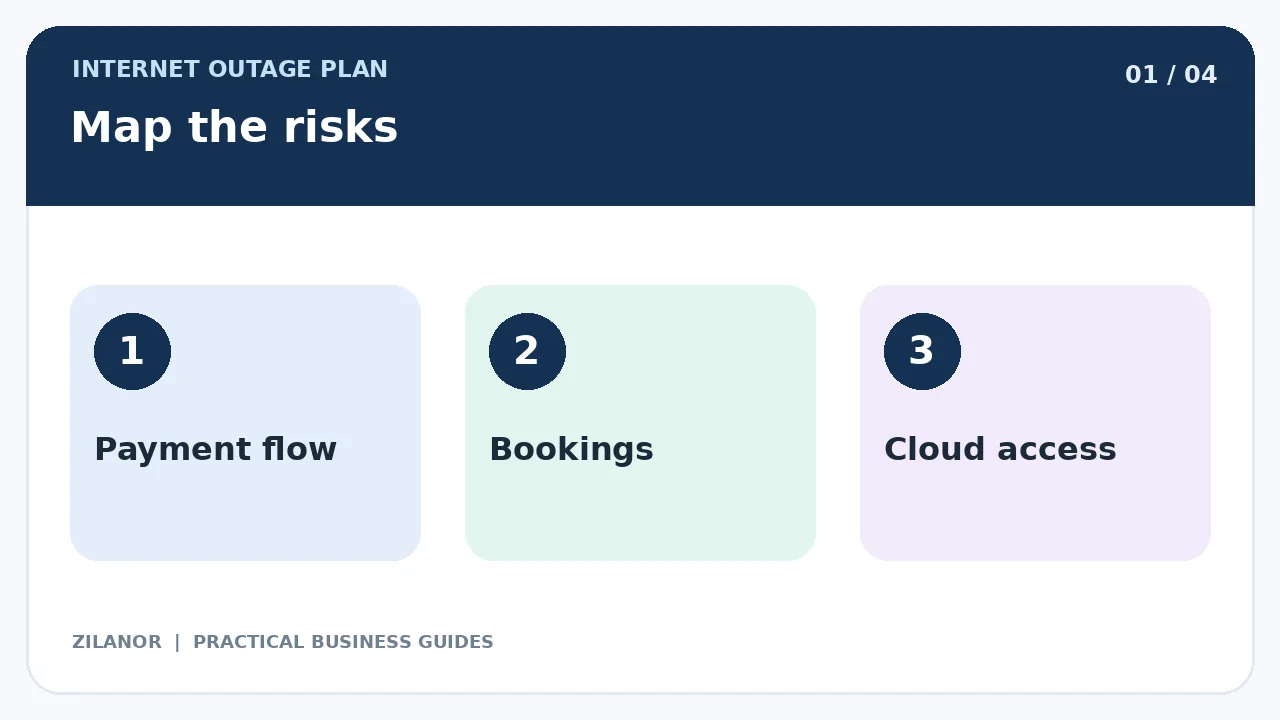
Know what can stop
Make a list of the tools you use each day. Think of sales, calls, orders, bills, files, and team chat. Which tasks need the web? Which tasks can still run with no link? Ask your staff. They may know of tools you do not use.
Check each key app. Some apps can work off the web for a while. Some may show old data but will not save new work. Some will not open at all. Do not guess. Test with a safe sample task. Keep the result in your plan.
Check one task at a time
Start with a new order. Can you write it down? Can you check stock? Can you tell the buyer when you will send it? Then test a new booking. Check if your team can see the time and the name. Do not use real private data in a test if you do not need it.
Next, check how you take cash or card sales. Ask your bank or card firm what can still work. Do not make up your own card process. A bad short cut can cost more than a lost sale.
Pick the jobs that must go on
Not all work has the same need. A shop may need to serve walk-in buyers. A small design team may be able to wait a few hours. A firm that deals with health or safety may have strict rules. Your plan must fit the work you do.
Choose the few jobs that you must keep open. Write them in rank order. For each one, say what staff can do with no web. Also say when they must stop. A stop rule can save people from harm.
Make the fallback easy
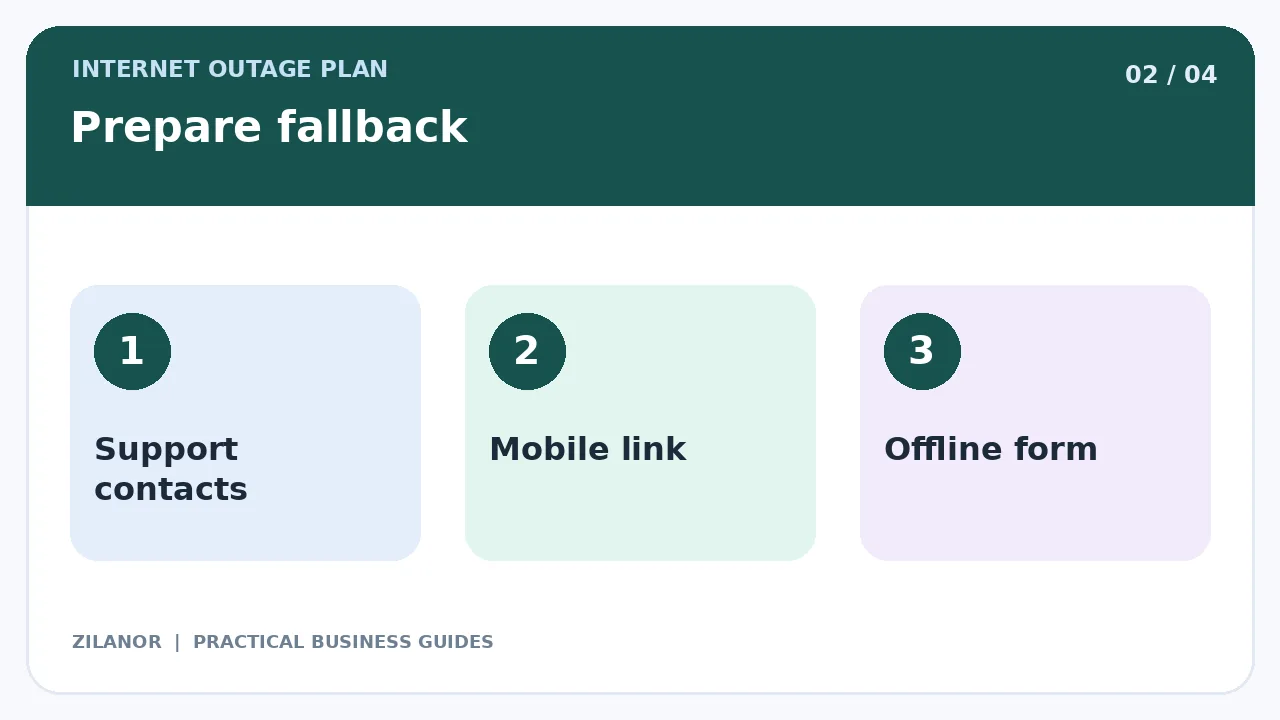
A good plan may be as plain as a paper form. Give each order a number. Write the date and time. Note only the facts you need. Keep the forms in a safe place. When the web comes back, one staff member can add them to the main system.
Do not print a full list of buyers just in case. You may not need it. If you do keep paper notes, lock them up. Do not leave them on a desk where all can see.
Keep a way to get help
Store a short list of key phone numbers. Add your web firm, bank, tech team, team leads, and key suppliers. Keep one copy where staff can find it when the web is off. Check the list every few months.
Choose who will call for help. One person should lead the fix. One should tell the team what to do. If you have more staff, ask one person to deal with buyer news. This stops mixed claims and repeat calls.
Use a backup link if it helps
A phone hotspot may give you a way back online. Test it at your work site. Make sure the data plan can meet your needs. It may not work in a wide power or phone outage. A second web line can help, but it also costs money.
Think about the cost of lost work. If one hour off the web hurts your sales a lot, a backup may be worth it. If you can work by hand for a short time, a simple plan may be enough.
Take care with card sales
Some card tools have an off-web mode. Others do not. The rules are not the same for each bank or card firm. Some offline sales may fail when the link comes back. Ask your provider what it lets you do. Test its steps with care.
Never write a full card number on paper. Do not save a card code in a file. Do not tell a buyer the charge went through if you do not know. If you cannot take a safe sale, be clear about that. Tell the buyer what they can do next.
Tell your buyers what is going on
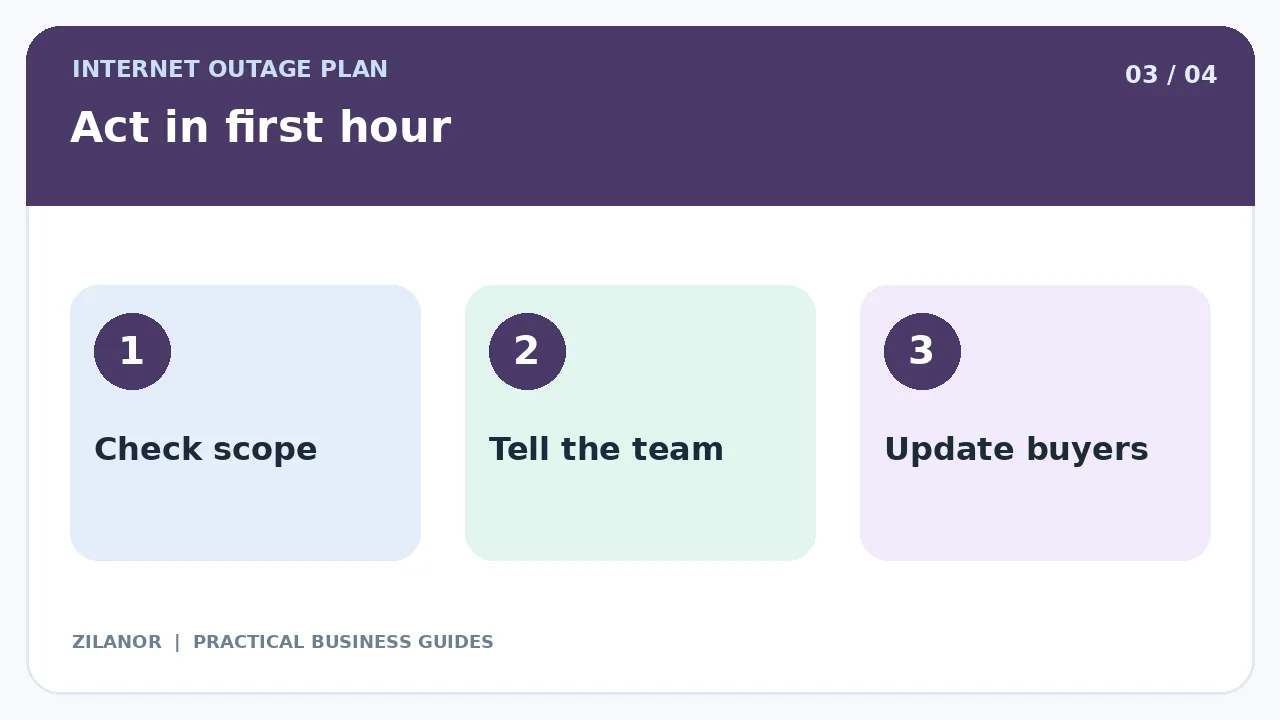
When the web fails, people still want clear news. Tell them what you know. Do not make up a time for the fix. Say when you will give the next update. Use a phone line, sign, or other safe way that still works.
Keep the note short. For a shop, it could say: “Our card system is down. We can take cash sales now. We will give an update at noon.” Only say you can take cash if that is true and lawful for your firm.
If a buyer asks for private account facts, wait until you can check who they are. A web fault is no reason to drop safety checks. Keep just enough notes to help staff follow up when service is back.
What to do in the first hour
First, find out how wide the fault is. Does one laptop fail, or does the whole office have no web? Check power and simple links if you know how. Do not reset tools at random. A fault may need expert help.
Next, put the backup plan to work. Tell staff which jobs may go on. Tell them which jobs must stop. Make sure each team knows who to ask for help. Write down when the fault began.
After half an hour, check if your plan works. Are orders safe? Are buyers being told the truth? Is a backup link ready? After an hour, decide if you need to cut back service or move work to a later time.
Watch for signs of a cyber attack
Not all web faults are due to the line. A tool may be down due to a hack or bad code. If you see odd logins, lost files, or a threat note, call your tech lead. Do not wipe data or hide the logs. Follow your safety plan.
Keep files safe when the web is down
Pick a few files you may need off the web. These might be safety steps, team phone lists, or public service terms. Save them on a safe work device. Keep the copy up to date. Do not store a full set of private buyer files with no clear need.
Make sure staff know where the files are and how to open them. Test with no web link. An old file that no one can open will not help. Check file access when staff join or leave.
When the web comes back
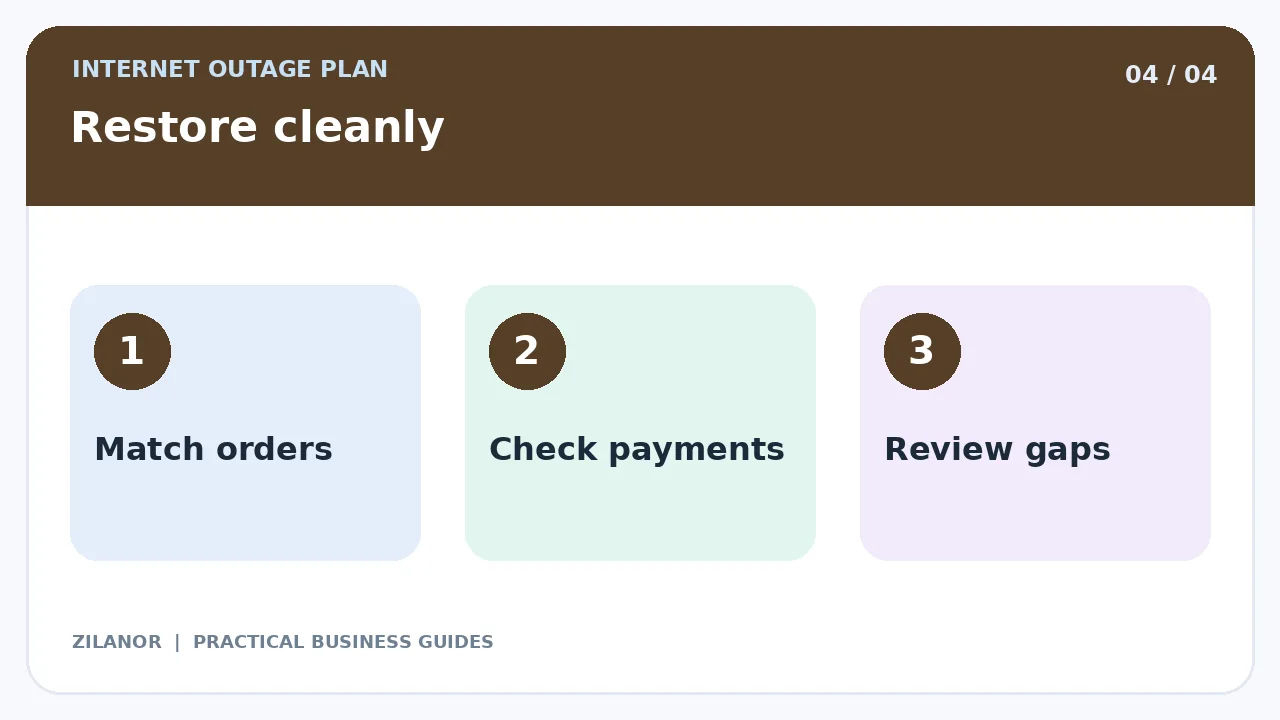
Do not rush to type all paper orders into the system. First, check which sales may have gone through just before the fault. Look for repeats. Give each new record the right order number. One person can add the work. A second person can check a small sample.
Check each card sale with the bank or card tool. A note on paper is not proof that funds were paid. Check any missed emails or web forms. Some tools may retry on their own. This can lead to two copies of the same task.
Tell buyers when normal service is back. If an order is still late, do not call it fixed yet. Keep it open until the team has dealt with it.
Test the plan twice a year
Pick a quiet day. Ask staff to act as if one web tool is down. Can they find the phone list? Can they write down one test order? Can they send a clear update? Can they use the backup link? Do not turn off a key safety tool in a live test.
Write down what went wrong. Fix the steps. Check the plan after a real outage too. You may find that a phone number is old, a form has no order ID, or staff do not know who should lead.
A simple shop example
A small gift shop sells items in store and online. Its web line fails on a busy day. The team uses numbered forms for walk-in orders. It stops card sales when its bank tool cannot work. One staff member calls the web firm. One puts up a clear sign. The owner tells online buyers that replies may be late.
When the link is back, staff check paid orders before they add paper sales. They do not charge a buyer twice. They then test the backup phone link and fix a missing step in the plan. The shop did not avoid the outage. It kept the fault from turning into a bigger mess.
Quick checklist
- List the key jobs that need the web.
- Pick the work that can run off the web.
- Save phone numbers and safe forms.
- Know when card sales must stop.
- Check all paper work when the web is back.
Common questions
Will a phone hotspot be enough?
It may help a small office. But it can also fail. Test it before you need it.
Can my team take card sales with no web?
Ask your card firm. Follow its rules. Do not store card data by hand.
Must I save all buyer files on a laptop?
No. Keep only what your safe plan needs. Protect any private data you use.
Sources
See Ready.gov’s business plan guides for more help. Read FTC tips for small firms on safe tech use. Check your local laws and your bank’s rules before you use a backup plan.



Pingback: GA4 Lead Tracking for Small Businesses: 2026 Guide