

Small Business Subscription Audit in 2026: Find Software Costs You No Longer Need
Small firms use many online tools. One helps with mail. One tracks tasks. One stores files. Each tool may save time. But old plans can keep taking cash long after the team stops using them.
A software cost audit can help you find waste. It does not mean you must cut each app. The aim is to keep the tools that help, drop the ones you do not need, and leave each service in a safe way. This guide shows how to start.
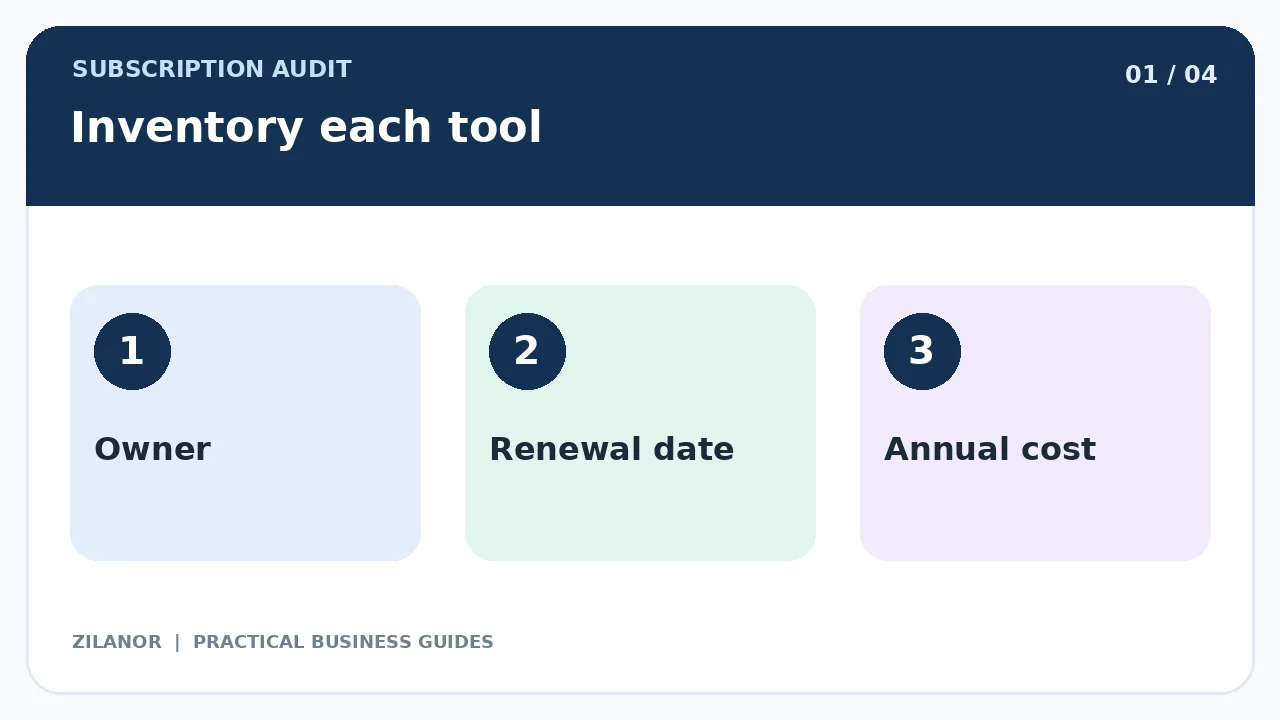
Make a list of each paid tool
Look at card bills, bank notes, app stores, and email bills. A tool may charge each month or once a year. Some plans also bill for more users or more storage. Add all of them to one sheet.
For each app, write the name, cost, pay date, plan owner, and team that uses it. Note the next renewal date. A plan may look cheap each month but take a full year of cash at once.
Use a fair cost view
If an app costs 480 units for one year, its mean cost is 40 each month. But you may still pay all 480 on one day. Keep both facts. This helps you plan cash and compare tools.
If a bill is in a new currency, note the rate you used. Card fees and rates may change. Do not call one week’s price the fixed cost for the whole year.
Find apps that do the same job
Your team may have two meeting apps, two note tools, or many ways to track tasks. Ask who uses each one and why. Two tools may still be worth it if they serve a real need. Do not cut a service just because its name sounds like another.
Check the work it does. A backup app may show few logins because it runs in the back. A tax tool may be used once a month but still be key. Use the task and risk to judge value, not just the login count.
Ask staff for real use cases
Have each team say which tools they use in a normal week. Ask what would break if the tool went away. Do not force a quick yes or no. A small team may know of a hidden use, such as an app link that sends new leads to sales.
Write the answer in the cost sheet. Name who can make the keep-or-cut choice. This will help when the next bill comes.
Check paid seats
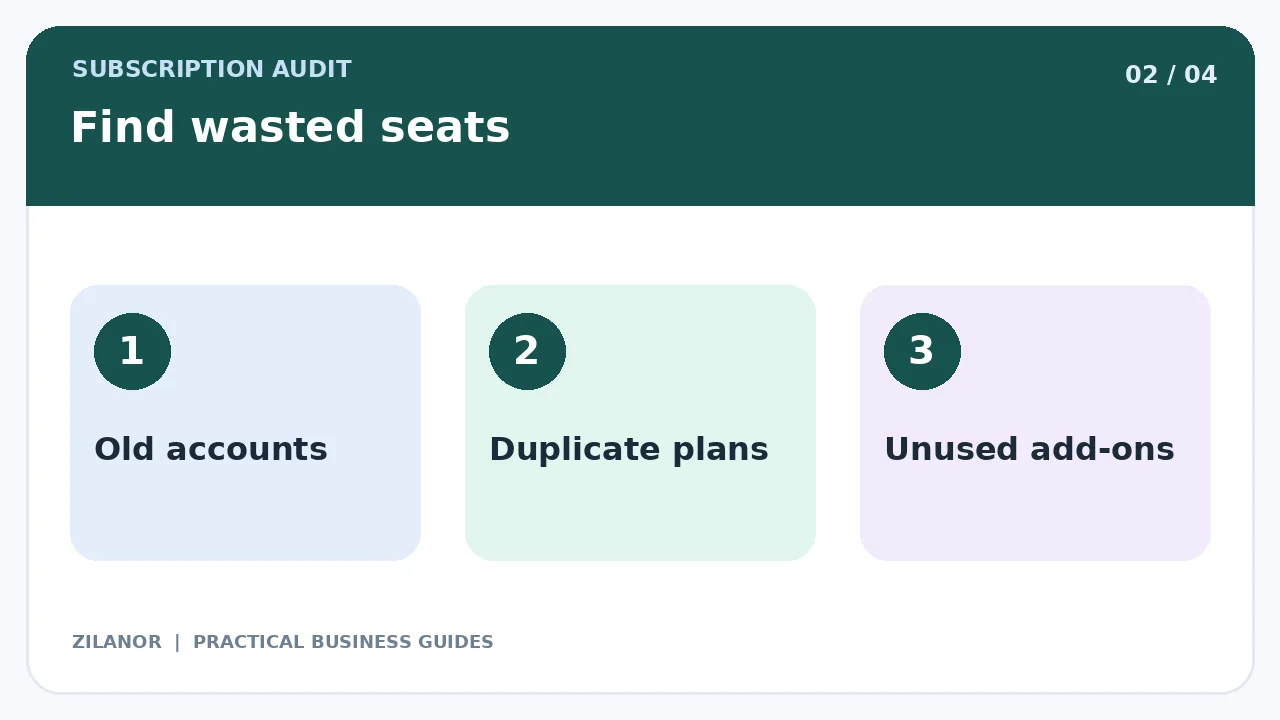
Many apps charge for each user. A staff member may leave, but their paid seat may stay live. A short-term worker may get a full seat when a guest role would work. Look at who still needs access.
Do not turn off an account before you check who owns its files and tasks. Move shared work to a new owner first. Then remove the old seat. Check that the next bill shows the change.
Know the true value
A tool can be worth its price if it saves work or cuts errors. But do not make up a large time saving to make a chart look good. Pick one or two facts you can check.
For a booking app, count missed slots. For a help tool, count slow replies or lost requests. For a file tool, check how fast staff find the right file. For a bill app, track the time spent at month end. Keep the test fair.
Watch for hidden work
A tool may save ten minutes on one task but add an hour of setup each week. Count that work too. Ask staff if the tool is hard to learn or if it needs a lot of fixes.
Do not use one busy day to judge a full year. Look at a normal span of work. A new tool may feel slow at first and get better as staff learn.
Read the plan terms
Check when the plan renews and how to stop it. Some deals need notice before the next term. Others let you leave at any time. Read the terms for your own plan and market.
Do not assume a refund is due. Ask the vendor if the rules are not clear. Save the reply and the date. If the service is hard to cancel, keep a record of each step you took.
Get your files out first
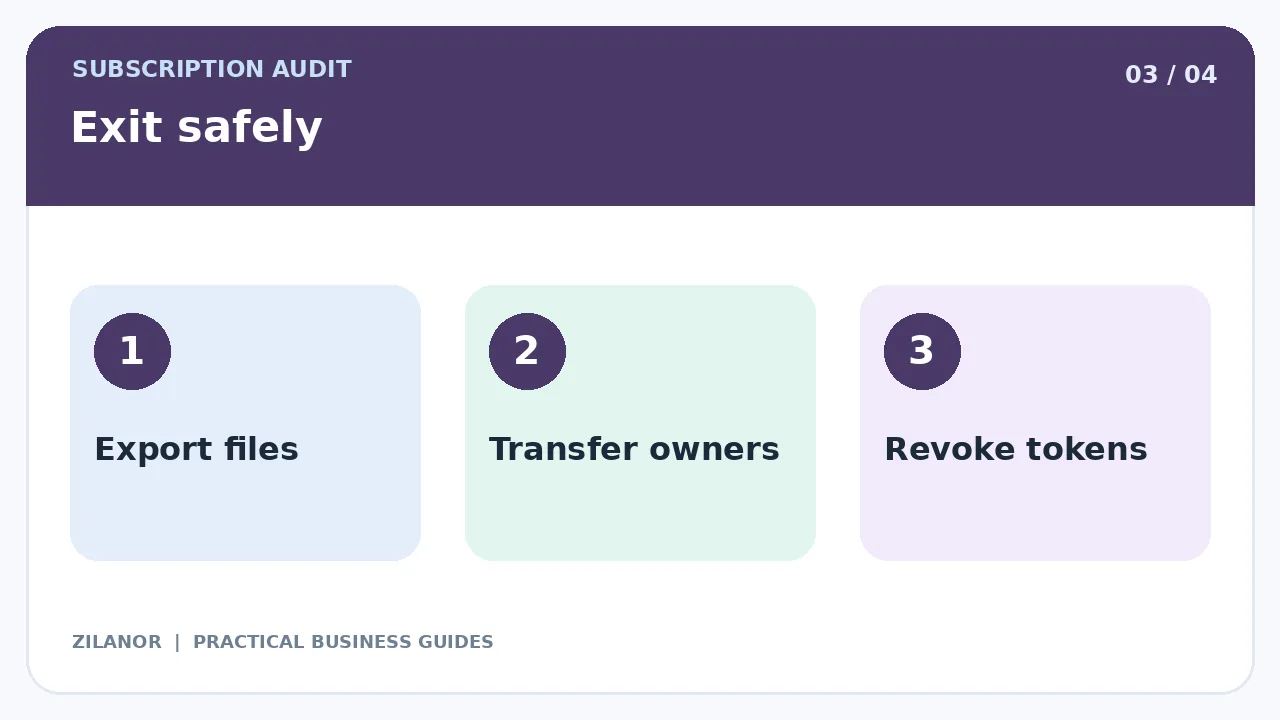
Do not shut a tool down while it still holds key work. Find out how to export files, notes, buyers, tasks, and bills. Check that the new tool can read the data. A raw file may be of little use if it loses dates or links.
Test a small export. Ask a staff member to open it. Make sure no key field is lost. Then plan the full move. Keep a safe copy until the new process works.
Check app links
A form may send leads to a CRM. A booking app may add a task. A bill tool may feed a cash report. If you cut one app, a hidden link may stop.
List each link and test the new path. Turn off old keys when the move is done. Do not leave broad access open to an app you no longer use.
Keep logins safe
Do not share one admin password to save a paid seat. Each worker should have their own login when the tool allows it. Use strong sign-in checks. Give staff only the rights they need.
When a person leaves, move their shared work first. Then remove access and old tokens. Check that the firm still owns the main account and payment method.
Pick the easiest savings first
Look for truly unused plans, old trial bills, seats for past staff, and tools from work that is done. These may be simple to cut once you check the data. Next, look for a lower plan tier that still has the tools you need.
A full switch to a new app may cost more time. Plan it as a small project with a test. Do not rush a move for a tiny fee cut if the risk is high.
Example: a small design shop
A shop has three meeting apps, two image plans, and eight task seats for five staff. It checks which apps clients need. It keeps one meeting app for key calls and drops a plan no one uses.
Next, it checks image rights before it ends a plan. It moves past staff tasks to new owners. It cuts extra seats only after files are safe. The bill goes down, but the team also gets a clean list of tools.
Review costs each quarter
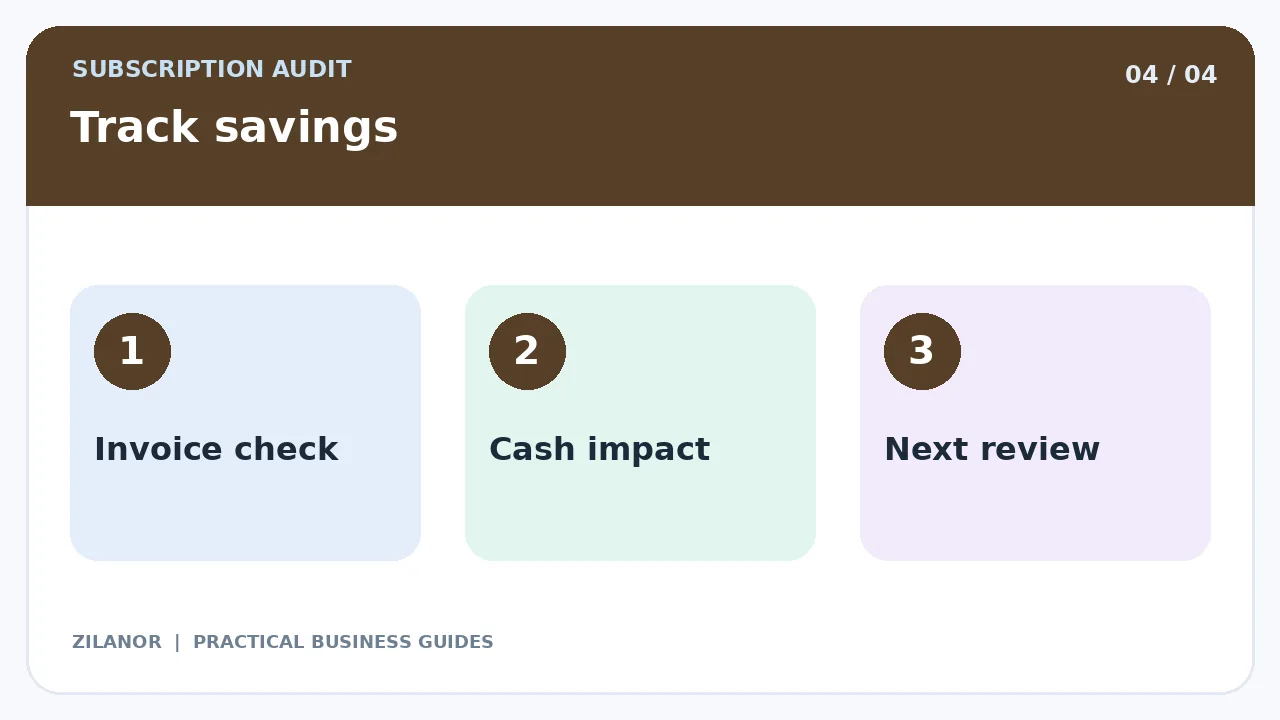
Set one staff owner for the list. Once every few months, check new plans, old seats, and renewals. Ask teams if a tool is still worth its cost. Check real bills to see if a promised saving did show up.
At the end of each year, do a deeper check. Look at the full cash cost and the work each tool does. A tool that saves stress and errors may be worth more than the cheapest plan.
Quick checklist
- List each app and its full cost.
- Check old seats and repeat tools.
- Read renewal and exit terms.
- Export files before a move.
- Check real bills for savings.
Common questions
Should I cut tools with no recent login?
Not always. Backup and tax tools may still be key. Check the job they do.
Is a yearly plan always a better deal?
No. It may cost less per month but tie you in for longer. Check the full term.
Can I use a simple sheet?
Yes. A clear list with cost, owner, and renewal date is a good start.
Sources
For safe use of staff accounts and data, see FTC cyber tips. Check the live terms of each tool for its bill, export, and exit rules.


Pingback: AI Tool Procurement Checklist for Small Firms (2026)
Pingback: SaaS Exit Plan for Small Businesses: A Practical Guide