

Supplier Concentration Risk for Small Businesses: A 2026 Plan for Avoiding Single-Source Disruption
Does one vendor make the part that all your goods need? Does one app take each new order? What if that vendor shuts down for a week? Your firm may lose sales even when people still want to buy.
This is a supplier risk. It means one source is key to your work. One source is not always bad. It may give you a fair price and good care. But you need to know what you would do if it failed. This guide will help you make a low-cost plan.
Find the key links in your work
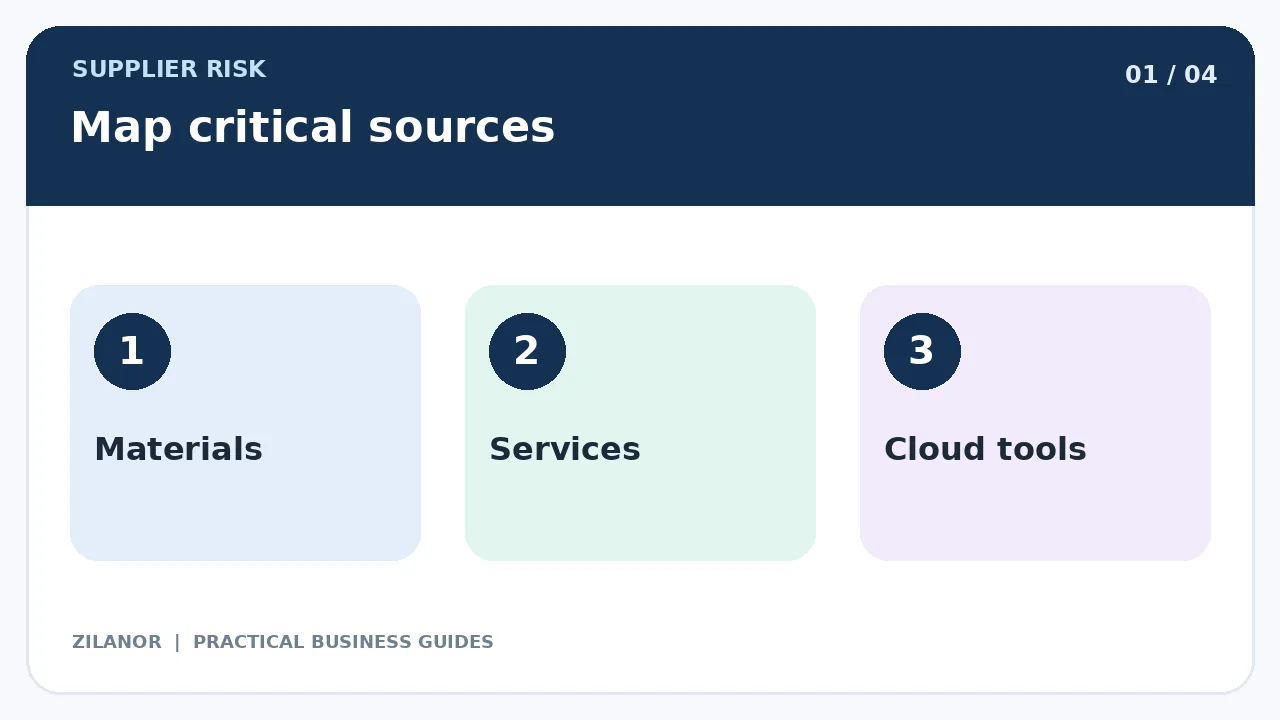
Start with a new sale. What must happen to make it work? You may need a web store, a stock firm, a card tool, a courier, and a way to help the buyer. List the outside firms in each step.
Do not look only at your big bills. A small part may cost very little but stop a whole line of goods. A low-cost app may hold all your bookings. Risk is about the harm of a loss, not just the cash you pay.
Ask your team what they rely on
Staff may know of key links you miss. A warehouse lead may use one courier for rush work. A sales worker may know that one app sends all new leads. Ask them what would stop if that tool went down today.
Keep a short list with the vendor name, contact, key service, and team owner. Update it when you add a new tool or part.
Rank the harm of a failure
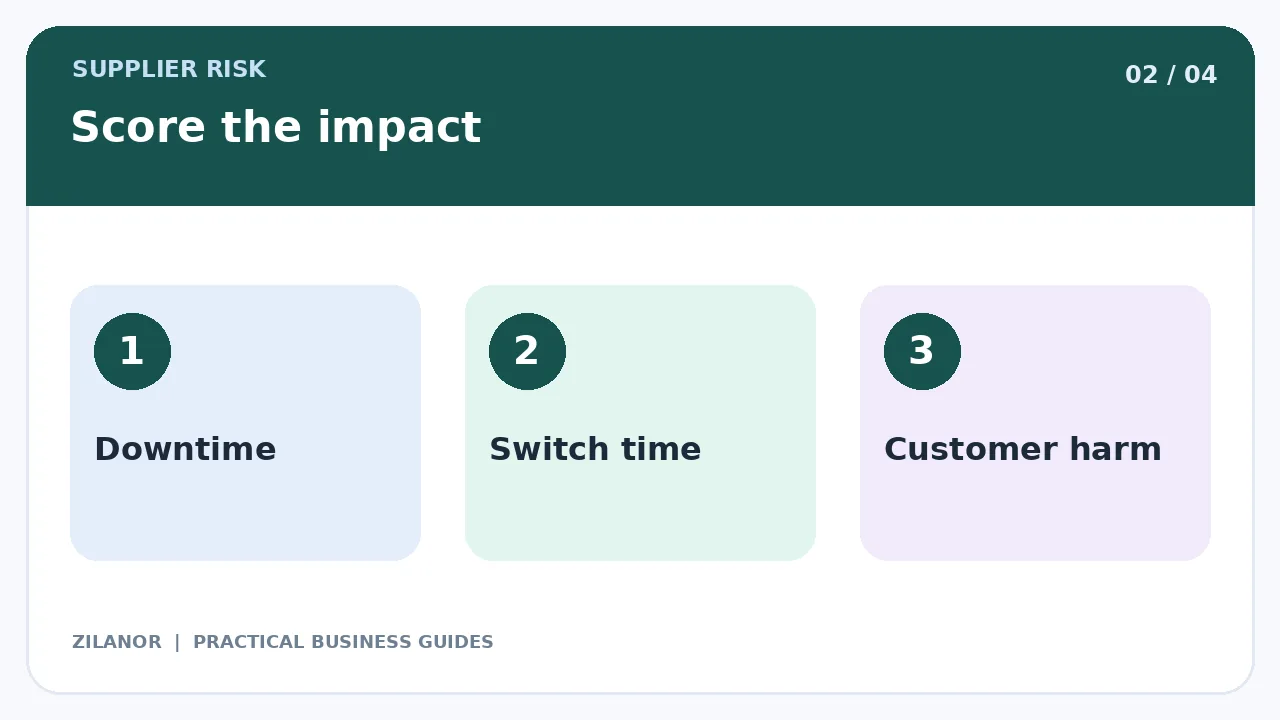
For each key source, ask how long you could work without it. Could you cope for a day? A week? Would the loss stop all sales? Would buyers face a safety risk? Keep the answer in plain terms.
Next, ask how long a switch would take. Some items can come from a new shop in an hour. A custom part may take months to make and test. A web app may hold files that are hard to move. These are not the same risk.
Use a short score
You can mark each source as low, mid, or high risk. A high score may mean it can stop sales and takes a long time to replace. A low score may mean staff have a safe backup. Do not pretend you can know the exact day a vendor may fail.
Use the score to pick where to act first. A small firm cannot buy a backup for each link. It should focus on the ones that could cause the most harm.
Ask vendors about their own plans
Talk to your key firms. Ask about lead time, stock, support hours, and what they do in a fault. Read the deal terms. What do they promise? What do they not cover? Keep notes from real delays you have seen.
A large vendor can still go down. A small vendor can still be a great fit. Look at how the service works for you. Do not rely on a logo or a claim of perfect uptime.
Try a second source for key goods
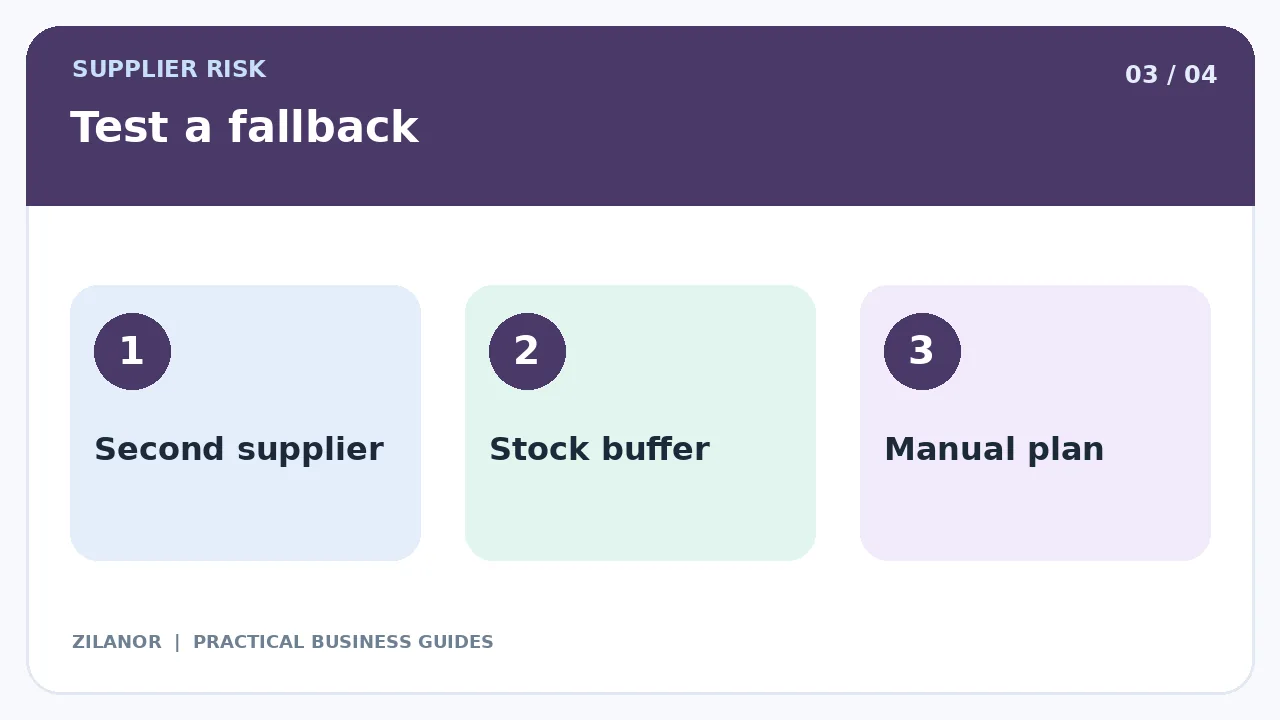
For a common part, you may find a second supplier. Buy a small test batch. Check size, fit, quality, and pack rules. Look at the full cost, not just the price of one unit. The new firm may have high ship fees or a long lead time.
For a custom part, you may need spare stock or a copy of the design files you own. Check your rights before you share a design. A backup that has never been tested may fail when you need it most.
Know when two sources cost too much
A second supplier may need a large order. This ties up cash. Two sources may also make quality checks harder. If the risk is small, a stock buffer or manual work plan may be enough.
Compare the cost of a backup with the harm of a stop. Use rough figures if you must. Make the choice with clear notes so you can review it later.
Keep key files in your care
If a vendor holds your files, know how to get them out. For a web app, check the export type and the time it takes. For goods, keep the specs, test notes, and approved samples in a safe place. Make sure more than one staff member knows where they are.
Do not store passwords in a shared note. Use safe access tools. Keep a list of links to other apps. A switch may fail if you forget a small link that runs a key task.
Plan stock for a late ship
A simple stock rule can help. Say you use ten parts each day. It takes seven days for new parts to reach you. You need about seventy parts to cover that normal wait. You may need a small buffer for late ships or a jump in sales.
These are sample numbers. The right stock level depends on your sales, cash, space, and shelf life. Too much stock can waste money. Too little can stop work. Check the plan when demand or ship times change.
Write a first-day response plan
When a key vendor fails, first ask what is wrong and how long it may last. Next, check your stock and safe backup. Then tell buyers what you know. Do not make up a new ship date just to calm them.
Give staff clear roles. One person should call the vendor. One should check open orders. One should send buyer updates. Keep a record of choices, costs, and missed work. This helps you learn when the fault ends.
Example: a small home goods shop
A shop makes wood cabinets. It buys all hinges from one maker. The hinges cost little, but each cabinet needs them. A late ship could stop work in five days.
The owner tests a second hinge. The team checks fit and strength. It keeps a small spare set and clear fitting notes. When the main source is late, the shop has a choice. It does not have to stop at once.
The backup still costs money. The owner checks it each quarter to see if it is worth the cost. The plan is small, but it can help the shop keep its word to buyers.
Check the plan every few months
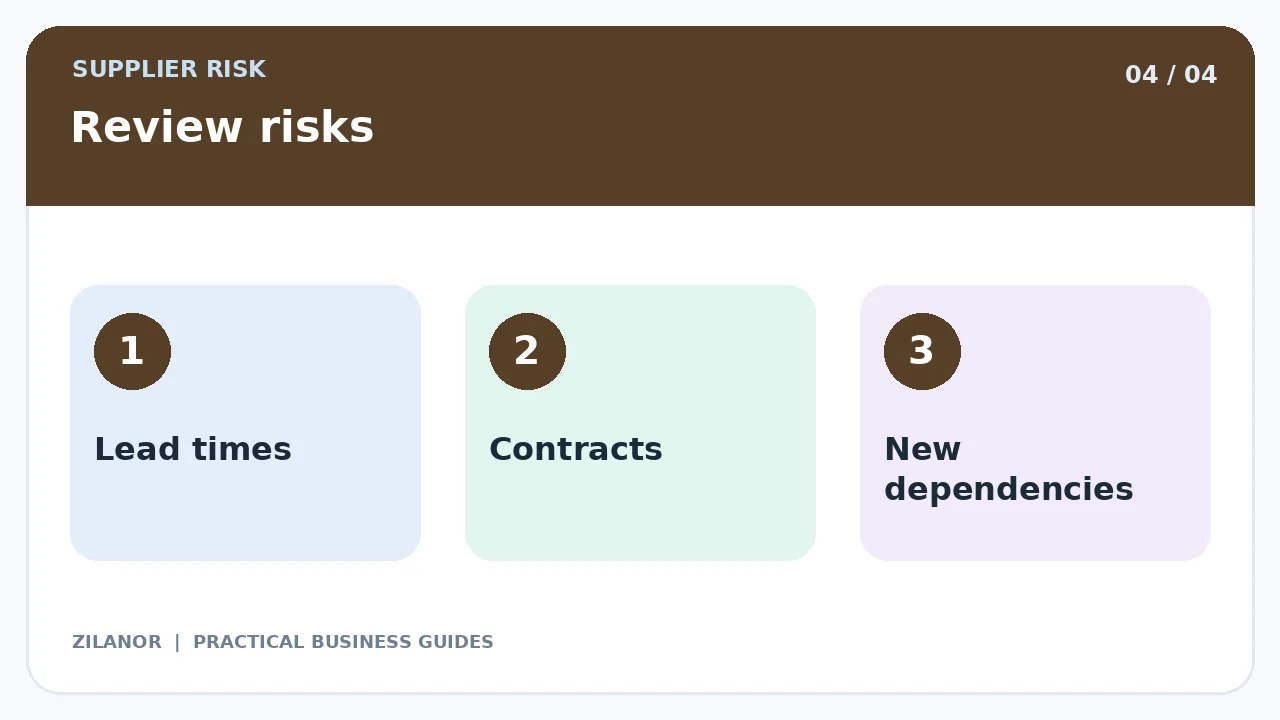
Set a short review with staff. Are lead times still right? Has a vendor changed its rules? Did a new app become key to sales? Has the backup been tested this year? Update the notes and name the next test.
Use real faults as a lesson. If a courier was late, find out how buyers were told. If a tool failed, check if staff could still work. A plan gets better when it uses real cases.
Quick checklist
- List the sources each key job needs.
- Rank the harm of a loss.
- Test a backup for high-risk sources.
- Keep specs and contacts safe.
- Review the plan after a fault.
Common questions
Is one supplier always a bad idea?
No. It can be a good fit. You just need a plan for a loss that could stop your work.
What if I cannot pay for a backup?
Try safe stock, a manual task, or a list of firms you can call. Start with the biggest risk.
How often should I test a backup?
Test when goods or terms change. Check key backups on a set plan too.
Sources
See Ready.gov’s guides for firms. If a key source is an AI app, the NIST AI risk guide may help. Check local rules for goods, data, and deals.

Pingback: Cash Conversion Cycle for Small Businesses: 2026 Guide