
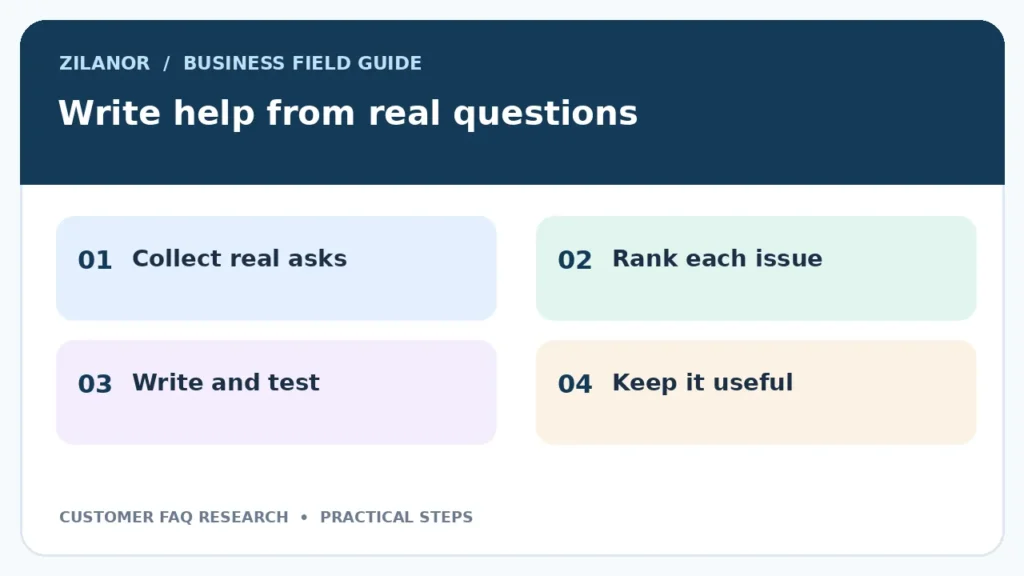

Customer Support FAQ Research: Turn Real Questions Into Better Help Pages
A help page can look neat and still fail the people who need it. The reason is simple. A firm may write answers to questions it thinks people ask, while real buyers use other words. The best FAQ work starts with support records, not a blank page.
This guide shows how a small firm can find the top customer questions, write clear answers and check whether the page helps. It works for shops, digital services and local firms serving more than one country. Keep laws, prices and return terms tied to the market where they apply.
Find questions in the words buyers use
Read a small sample of real messages
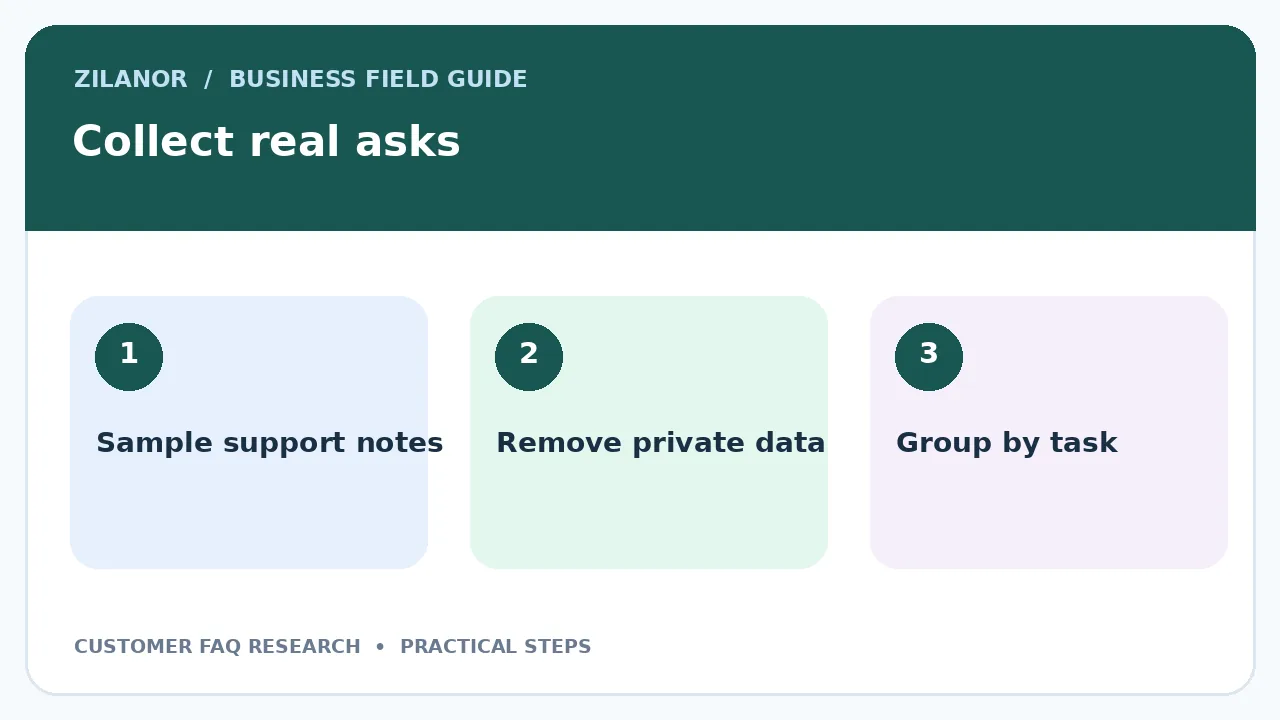
Start with thirty to fifty support emails or chat notes from the past few weeks. Remove names and other private details before sharing them with writers. Group messages by the task a buyer wants to finish. Common groups may be delivery, change of order, login, refund or product care.
Do not group everything that mentions “order” under one topic. A buyer who asks when a parcel will arrive needs a different answer from one who wants to change an address. Look for the action behind the words. That makes the final help page easier to search.
A small homeware shop may see many messages that say “I used the wrong postcode.” The team might have a long shipping FAQ but no answer about changing a delivery address. One clear page on that task can help more than five broad policy paragraphs.
Sort questions by impact, not only volume
Know which issues stop a sale or cause harm
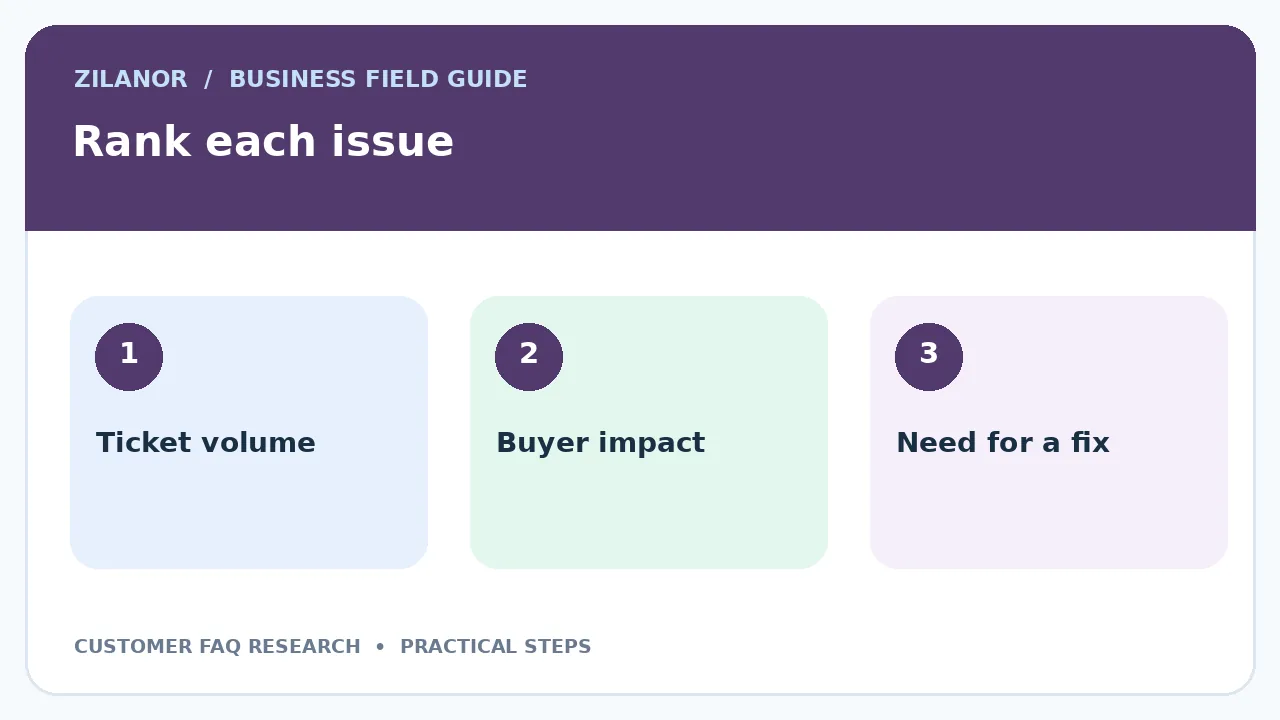
Count how often each issue appears, but also note how urgent it is. A rare safety issue may deserve a top page even if only two people asked it. A common question about a colour choice may be less urgent. Rate each topic by volume, customer impact and how easy it is to solve.
Keep the rating simple. High impact means a buyer cannot use the product or may lose money. Medium impact means a task takes extra help. Low impact means the buyer wants more detail but can still act. Ask a support lead to review the ranking before you start writing.
Do not invent a statistic about what all customers want. Your sample shows what your own buyers asked during that period. Note the number of messages and dates so the team can see whether the result still fits next month.
Write one answer for one job
Use a task-first title
“How do I change my delivery address?” is clearer than “Shipping information.” Begin with the short answer. Then give the steps in order. If a rule depends on order state, say so early. A buyer should not read a long page only to learn the change is no longer possible.
Use simple words. Say “sign in” rather than “authenticate.” Say “send us a photo” if that is the real step. Define any term a first-time buyer may not know. Keep the key action near the top, but give enough detail for a person who has never used the site.
For a software firm, “Why is my code not working?” is too broad. A better page might be “What to do when the sign-in code has expired.” State how long a code lasts only if the product team has confirmed it. Otherwise send the reader to a clear way to request a new one.
Make the answer safe and true
Check policy, price and dates with owners
Support writers should not make return promises from memory. Before an answer goes live, ask the person who owns that rule to confirm it. Keep a source note for each claim about deadlines, fees, warranty terms or access. This makes the next edit faster.
For global firms, one FAQ may need different paths for different markets. Do not hide these in a dense paragraph. Let the buyer pick a country or show a simple note that rules vary. Get local advice when a legal right is involved. A help page cannot remove a buyer’s rights under local law.
Use official sources where relevant. The W3C accessibility guidelines can guide link names, labels and keyboard use on the help site. They do not replace an audit or prove that a whole site meets a legal rule.
Put help at the point of need
Link from the task, not only the footer
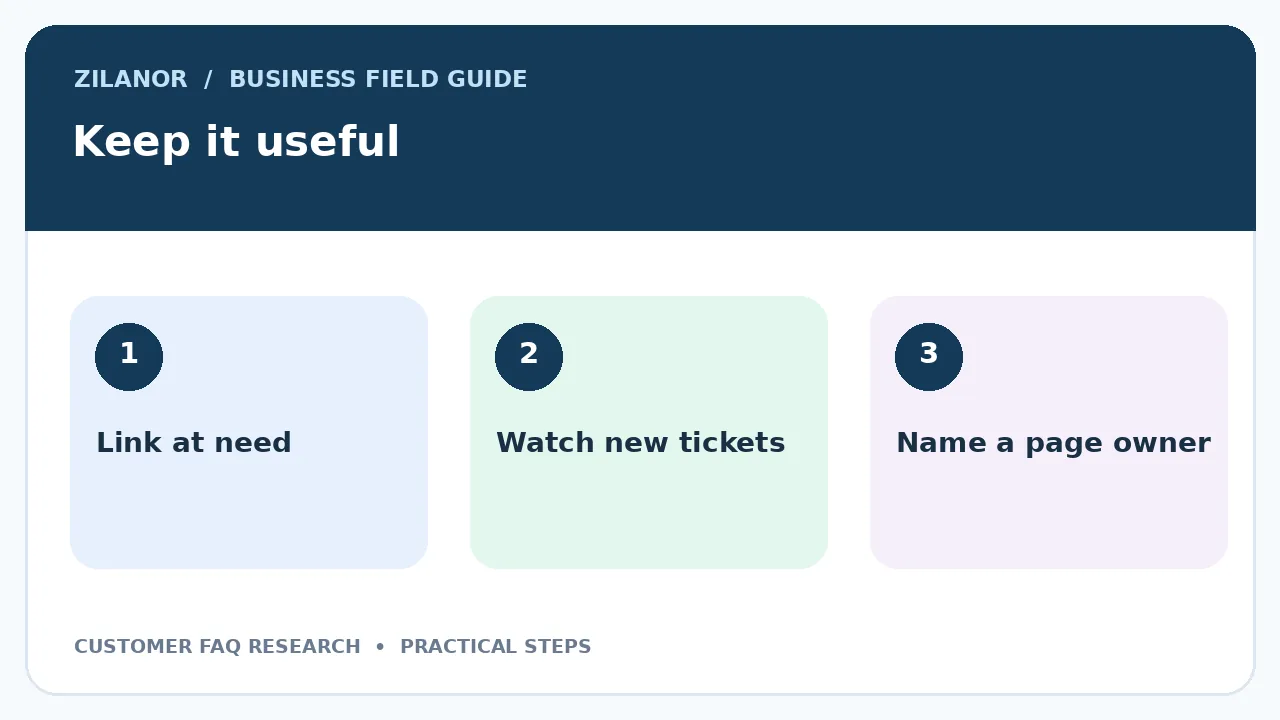
A return guide is useful on an order page. A password help note belongs near sign-in. A sizing guide belongs near product options. Do not make every buyer open a huge FAQ index and search through it. Place a short, clear link next to the action.
Keep the anchor words honest. “Change your order” should open a page about that task, not a general contact page. If a buyer must contact staff, say so. Give the right channel and any detail the team needs, without asking for a card number or password.
Test the link on a phone. The page should load, stay readable when zoomed and let people move through it with a keyboard. An answer that cannot be reached is not useful, even if the words are perfect.

Add images only when they make a step clear
Use current screen views with plain alt text
A screenshot can show where a setting sits. Yet old screenshots can mislead a buyer after a product update. Put a review date on the help record and name the person who owns that step. If the interface changes, update the image at the same time as the words.
Do not put all steps inside an image. A screen reader may not read the text, and a phone user may struggle to zoom it. Keep the steps as real text. Add a brief image description and highlight only the part that matters.
For a product that needs physical assembly, a photo of the correct part may be more useful than a vague diagram. Take or license a clear image and show the scale. Avoid stock photos that do not match the product being sold.
Test answers with people outside the writing team
Give a task and watch what happens
Ask three to five people who did not write the page to complete a task using it. Do not tell them where to click. Watch what they look for and where they pause. If they skip a sentence that held the key step, move that step up or make the title clearer.
Use a small set of real tasks. For example, change a delivery address on a test order, find a return label or restore a test account. Do not use live payment details. Time the task only as one clue. Note whether the person finished and whether they felt sure about the result.
Do not call a page good because testers said they liked it. A polite person may still fail the task. Look at what they did. A clear path that solves the issue is the main measure.
Watch support demand after launch
Measure a useful change
Mark the date when a new FAQ went live. Compare the next few weeks with an earlier period of similar demand. Track how many tickets came in about the same question and whether the answer link was used. A drop can be a good sign, but season, orders and product issues may also change.
Read a sample of new tickets. If buyers still ask the same thing, the page may be hard to find or the answer may be unclear. If new messages ask a more specific question, the help page may be doing part of its job. Update it with those details.
Do not claim that one page caused every change in ticket volume. Pair counts with customer words and direct tests. This gives a more honest view than a neat chart without context.
Give each page a clear owner
Keep help from going stale
Assign each FAQ to a team or person. Add a last checked date and a next review date in the work record. Review high-risk pages when terms change, not only once a year. Set a simple step so sales, product and support staff can flag a wrong answer.
Remove duplicate pages that tell different stories. If an old URL has links or users, redirect it to the right current guide when it is safe to do so. Keep the page title close to the words buyers use. This can also help search engines understand the topic.
When a support agent finds a new useful fix, ask them to record it. The writer can then confirm the step and add it to the guide. This is a steady way to build help from real work rather than guesses.
A two-week plan for a small team
In week one, gather messages, group the top tasks and choose five pages. Ask the rule owners to check the facts. In week two, write each task-first answer, test it on a phone and give it to a person outside the team. Fix the gaps, link the page from the right place and name an owner.
Start with one task that leads to many support tickets. A clear answer there gives the team a useful lesson before it builds a full help hub. Good FAQ work means fewer dead ends for buyers and less repeated work for staff.

Pingback: Accessible Online Checkout: WCAG 2.2 Guide