

Remote Employee Onboarding for Small Businesses: A Practical 30-Day Plan for 2026
A new team member may live far from your office. That can help you find great skills. But the first week can be hard if no one knows who will help them. Their laptop may be late. Their work app may not open. They may not know how to ask a basic question.
A clear first-month plan can make the start much better. It should cover the role, tools, people, work, and feedback. This guide helps a small team plan those steps. Work laws vary by place, so check the local rules before you hire.
Know what the job should do
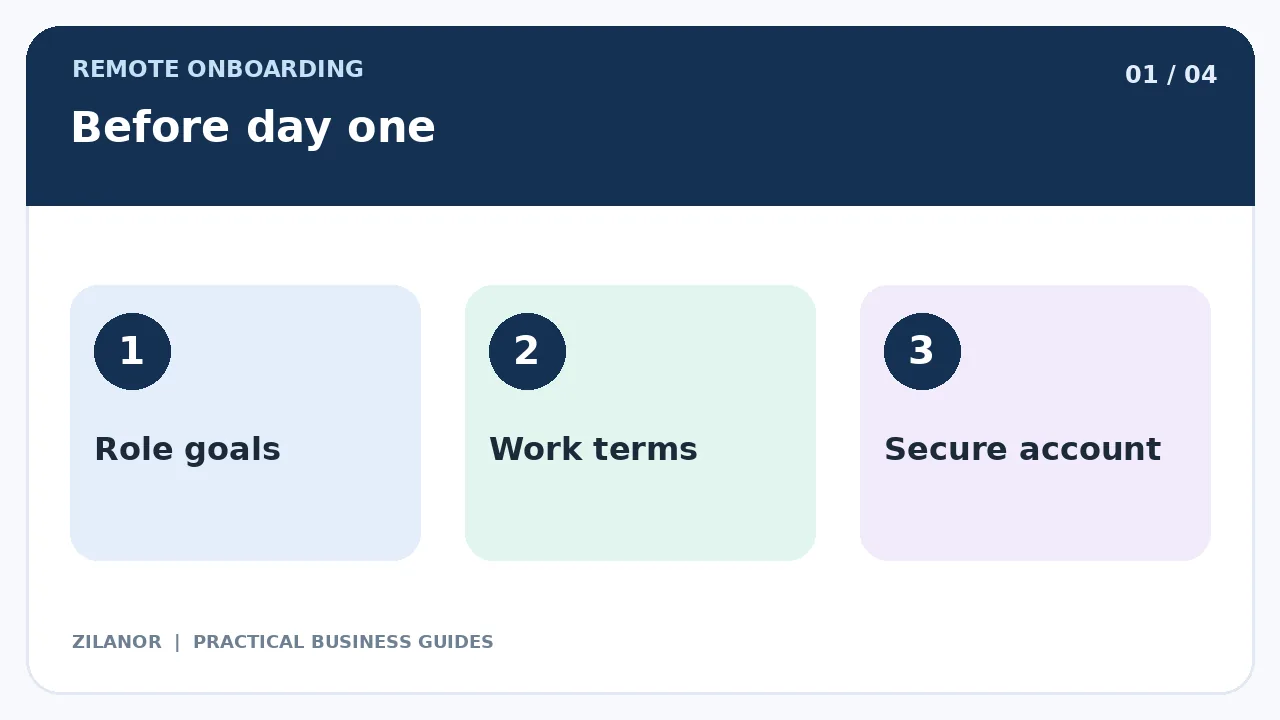
Write a short note on the role. What will this person do in the first month? Who will check their work? Which choices can they make on their own? Keep the first goals clear and fair.
Do not just say “help with the team.” Give real tasks and a way to know when each task is done. A new hire should not have to guess what good work looks like.
Pick a guide for the new hire
Choose a manager or buddy who has time to help. This person can answer small questions and show how the team works. Name a backup too. If the main guide is away, the new hire should still know whom to ask.
Plan a short welcome call before the first hard task. Give the person a chance to say what tools or help they need. A kind start can ease stress and save time.
Check work terms before day one
Make sure the role, pay, work hours, leave, and key rules are clear. If the person lives in another country, ask a trained expert about tax, pay, and work law. Do not use an old deal from a different place and hope it fits.
Keep private forms in a safe place. Only staff who need pay or ID facts should see them. Do not ask a new hire to send private files through a public group chat.
Set up the tools early
Make a list of the apps the person needs. This may be email, team chat, files, a task board, and one tool for their role. Give them their own login. Turn on strong sign-in tools. Test each one before the first work day if you can.
Do not share an old staff password. Give the new worker only the rights they need now. Add more access when the work calls for it. Keep a list of who gave access and when it should end.
Check the device and web link
Will the person use a work laptop? Or an approved home device? Tell them the rules for updates, files, and lost gear. Check the call app and key work tools. Do a short test call if the link may be weak.
Give a clear path for tech help. A new worker should not spend the whole first day trying to fix a login fault on their own.
Use the first week to teach context
Tell the person what your firm sells and who it serves. Show a real job that went well. Explain why the team chose that way of working. A list of links with no context can leave people lost.
Set short calls with the people they will work with. Say who owns sales, support, tech, and pay matters. Share the best way to reach each person. Respect time zones. Do not expect late-night calls to prove that a remote worker cares.
Give one safe first task
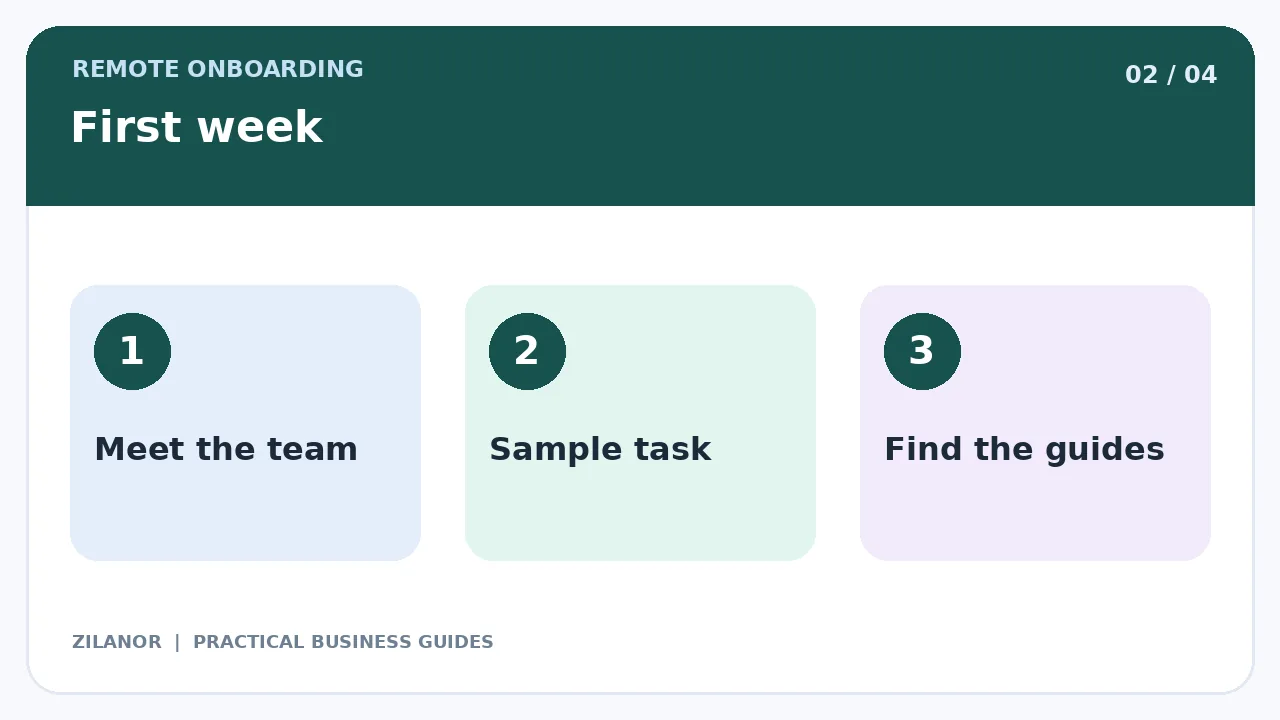
Pick a task that has a clear result and low risk. It might be a sample report, an edit to a test page, or a review of a help guide. Show one good sample. Let the new hire try, then give clear notes.
Do not give them a hard live buyer case with no help. Small wins build skill. They also help you spot gaps in your guides before real work is at stake.
Set rules for team chat
Say where to post quick notes, where to ask for urgent help, and where to save key choices. Not every chat needs an instant reply. Agree on work hours and a fair time to reply to normal notes.
For big choices, write a short summary. Name the task, the owner, and the due date. Save that note where the team can find it. Do not keep key rules only in a private chat.
Use meetings with care
A few short calls can help in the first week. Ask what has gone well and what is stuck. Later, a clear task list and one or two set calls may be enough. The right pace depends on the work.
Do not turn each check-in into a test of how many minutes the person was online. Focus on the work they did and the help they need. A quiet worker may still do great work.
Teach safe use of buyer data
Show which files the worker may see. Tell them where to keep work and how to share it. Explain what to do if they send a file to the wrong place. Use fake buyer data in early tasks when you can.
Do not let staff save private files on random home devices with no rules. Give clear steps for safe storage and how to report a lost device. Ask the new hire to repeat the key rules in their own words.
Plan the first thirty days
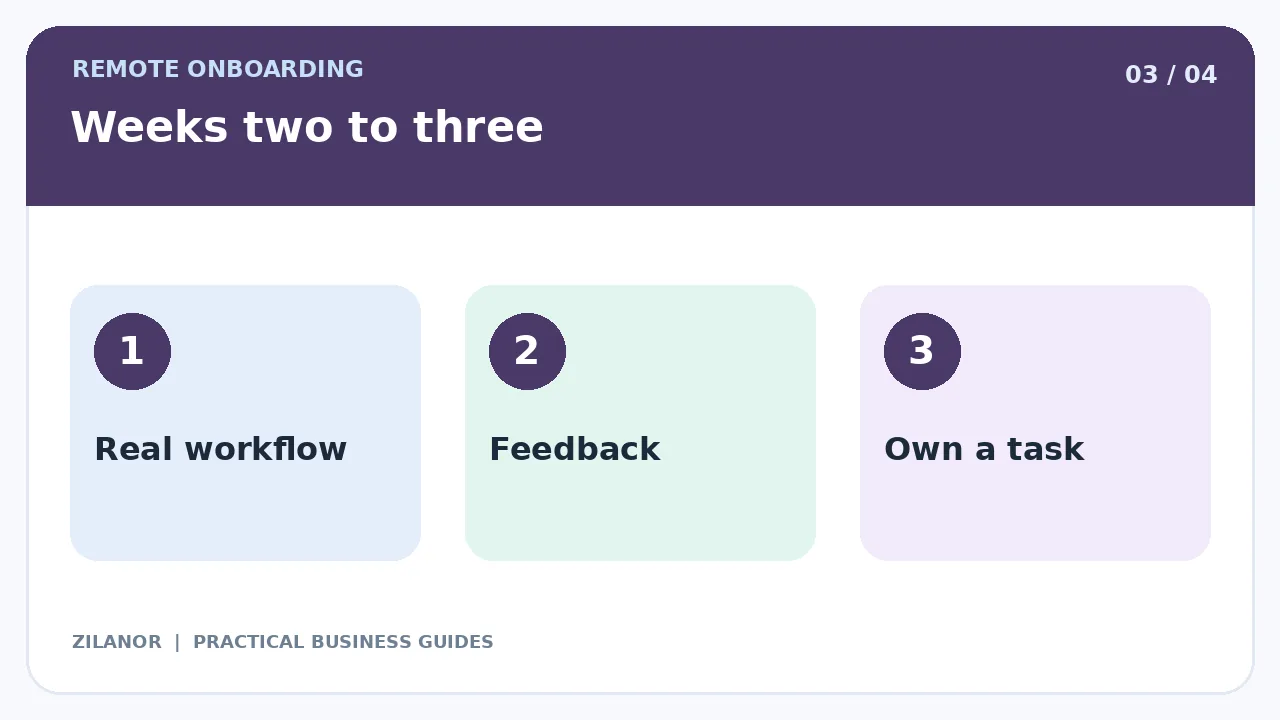
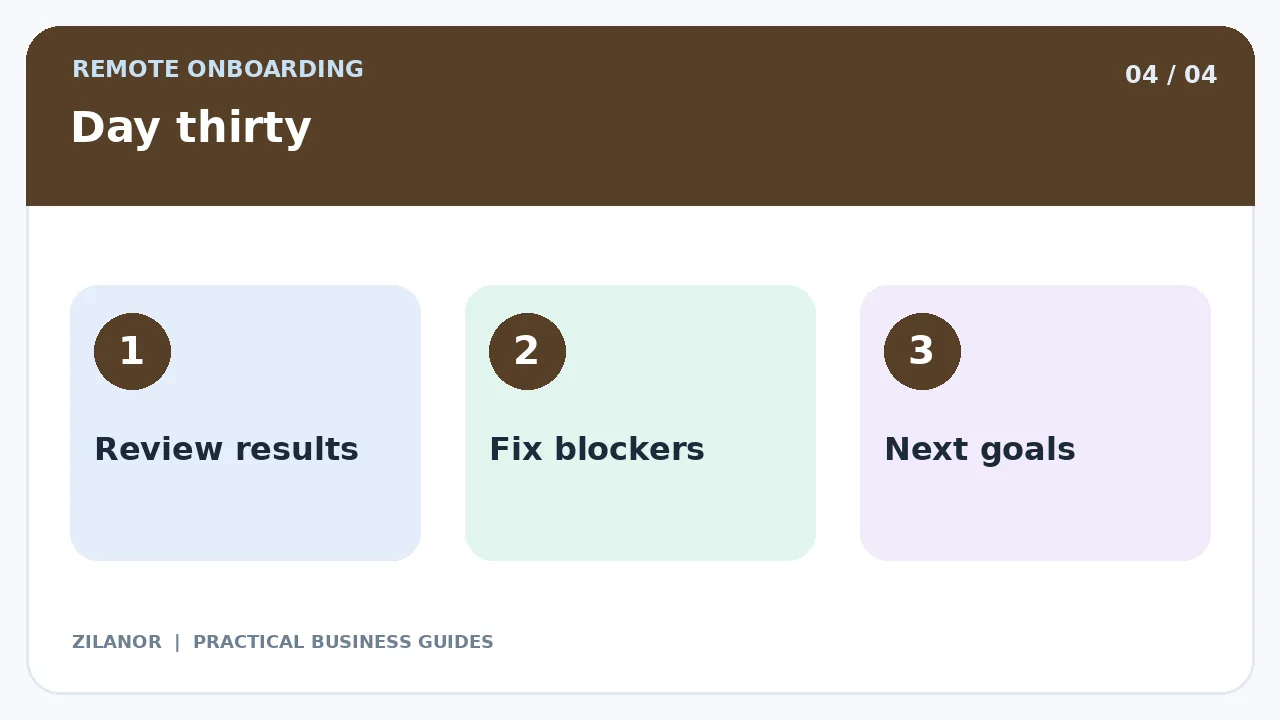
In days one to five, focus on people, tools, and a simple task. In days six to ten, teach the main work steps. In week three, let the new hire own a small task from start to end. In week four, check the results and plan the next goals.
Keep the pace fair. A person who knows the field may move fast. Someone new to the work may need more time. Do not treat a slow first week as proof the person cannot do the job.
Give feedback that helps
“This is wrong” is not enough. Say what did not match the goal. Show a good example. Ask whether the guide was clear. Make the next step easy to see.
When many new hires ask the same thing, your guide may be weak. Fix it. Good onboarding should also help the firm learn how to teach its work.
Check what the plan achieved
Look at tasks done with good care, tool faults, and questions that come up often. Ask the new hire what felt hard. Ask the manager what went well. Use both views.
Do not use screen time as the only score. More clicks do not always mean more good work. Check the result and the quality of the task. Make sure each goal is fair for the role.
Example: a small web agency
An agency hires a remote editor. Before day one, it gives the editor a safe login and a small set of style files. On the first day, they meet the team and read two good samples. On day two, the editor works on a test draft.
The manager gives clear notes. In week two, the editor works on a real page with review. By week four, they own a small set of drafts with a clear sign-off step. The team also fixes a weak source guide that caused repeat questions.
The new hire gains skill, while the agency makes its process easier for the next person. That is a strong result from a first-month plan.
Quick checklist
- Set clear role goals and work terms.
- Prepare secure logins and tech help.
- Teach the team and buyer context.
- Start with a safe task and clear notes.
- Review work and support at day thirty.
Common questions
Do new remote staff need daily calls?
Not always. Short calls may help at first. Later, clear notes and set check-ins may work well.
Should staff get all tool rights on day one?
No. Give the rights needed for the work. Add more when the role needs them.
Can one plan fit each country?
The training plan can help in many places. But pay, tax, leave, and work rules vary. Check local law.
Sources
See SBA tips for small firms and FTC cyber safety tips. Use local legal sources for work and pay rules.



Pingback: Delegation for Small Business Owners: 2026 Guide