
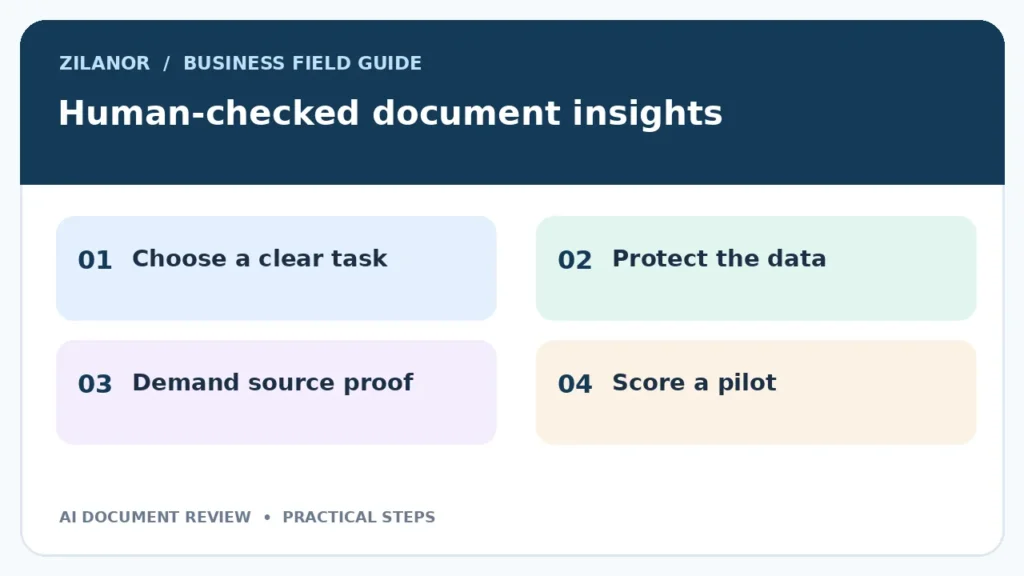

AI Document Review for Small Teams: A Safe Human Check Workflow
A small team may read dozens of contracts, policies, briefs and supplier notes each week. An AI tool can help find key points in long files. Yet it can also miss a date, mix up two clauses or write a neat answer that the file does not support. The best use of AI document review is to make a first pass, then let a person check the facts.
This guide is for teams that need a clear review flow. It does not assume one country, one tool or one type of file. It also does not ask AI to make legal, medical or financial decisions. Those calls still need a qualified person.
Pick one task with a clear answer
Start with facts you can trace
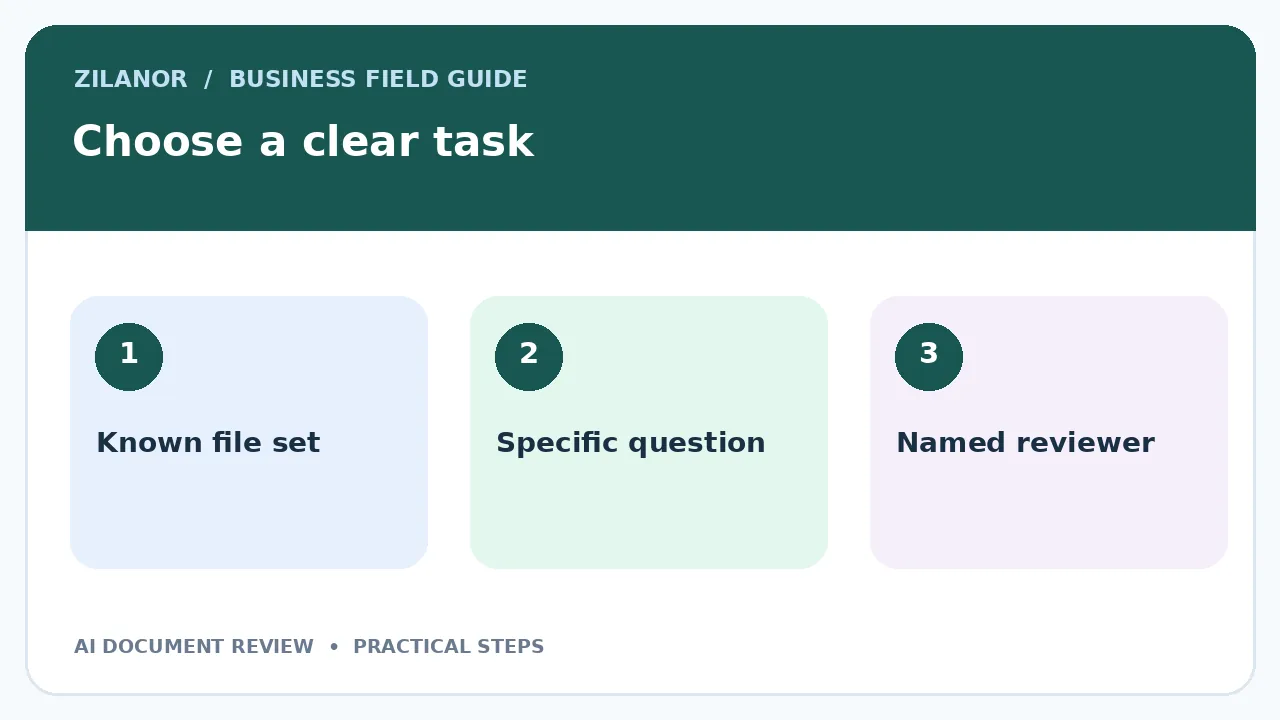
Do not start by asking a tool to “review all our files.” Choose a small job. For example, ask it to find every renewal date in ten supplier agreements. Or ask it to list the steps in a staff travel policy. The output should be easy to check against the source.
A good first task has four traits. It has a known set of files. It uses facts that appear in those files. It has a named reviewer. And a wrong answer has a low cost if caught before use. This is more useful than a vague promise to save time.
Think of a repair shop that uses many parts vendors. Staff spend time finding return windows and contact names. AI can draft a table of those facts. The shop manager checks each row before the table becomes a shared guide. This saves search time but keeps a human in charge.
Make the files safe to use
Set rules for private data
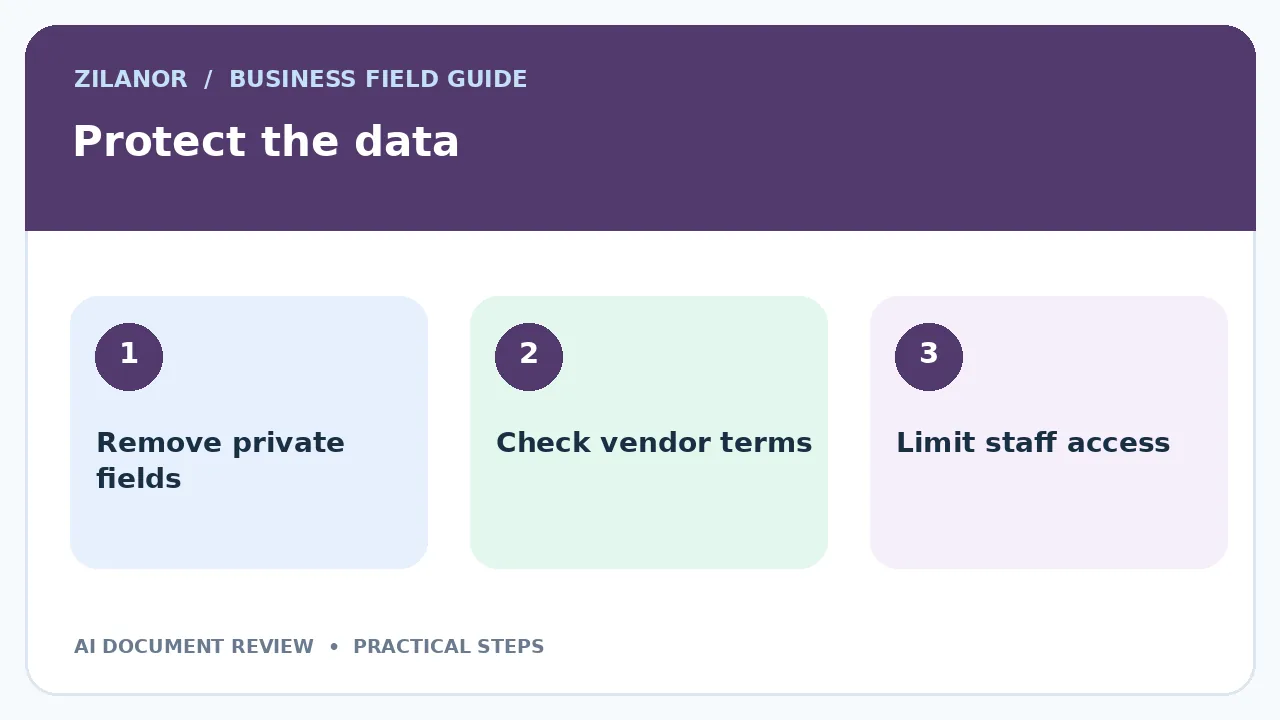
Before uploading a file, ask who can see it and whether the provider uses it to train models. Read the vendor’s current data terms. Some files hold customer names, bank details or trade secrets. Remove data that is not needed for the task. Where a tool offers a private workspace with role controls, test those controls with a safe sample.
Do not rely on a label such as “enterprise grade.” Ask plain questions. Where is the file held? How long is it kept? Can an admin remove it? Who can export the output? What happens when a staff member leaves? Put the answers in a short record that your team can update.
The US National Institute of Standards and Technology has a generative AI risk profile. It is a useful guide to thinking about harm, even for teams outside the United States. Use it as a risk lens, not as proof that a tool is safe for your business.
Write a prompt that asks for proof
Make the response easy to audit
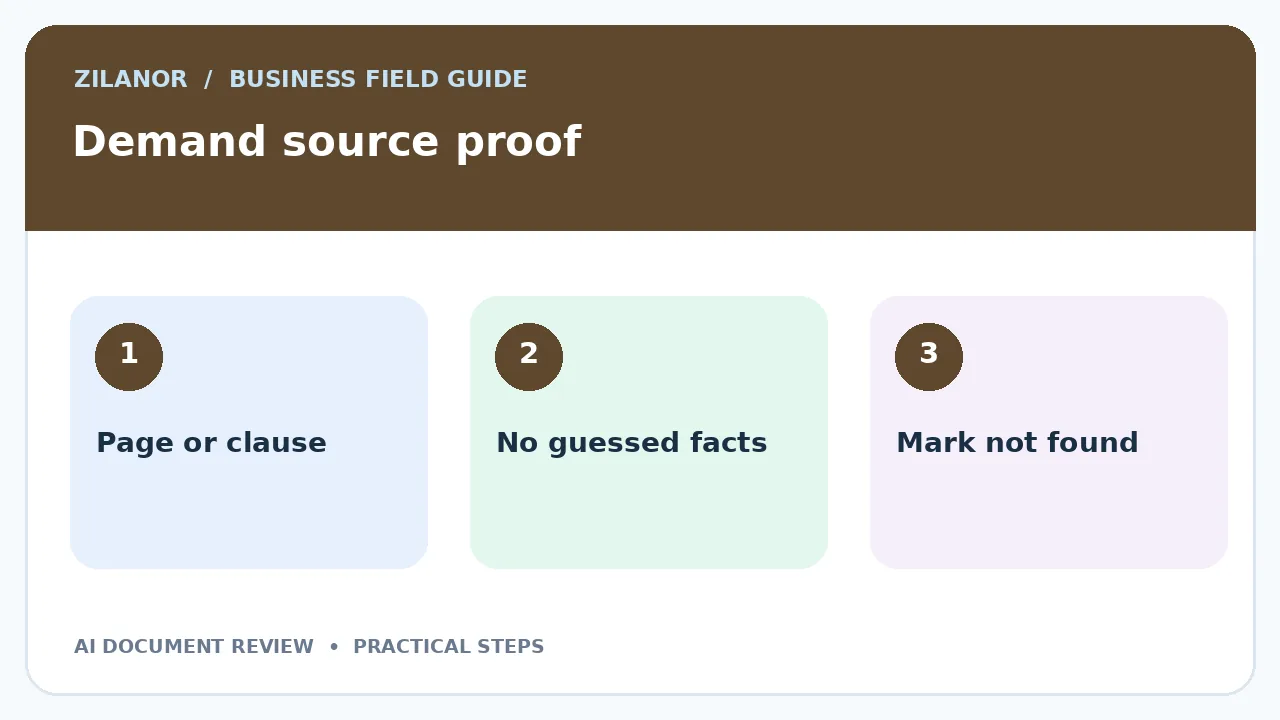
A weak prompt says, “Tell me the main risks.” A stronger prompt says, “List each contract end date and the clause that states it. If a date is not present, write not found. Do not infer it.” This asks the tool to separate evidence from a guess.
For each answer, request a short quote or page marker from the source. A quote does not prove the answer is right, but it helps a reviewer find the text fast. Do not let the model make up page numbers. If the tool cannot cite the file, tell it to say so and send the issue to a person.
For example, a supplier contract may state that the term ends after twelve months but renews unless notice is sent thirty days before the date. An AI summary that lists only the end date is not enough. The reviewer should check the notice rule and any later amendment. The right result may be “needs review,” not a clean date.
Build a review sheet with three decisions
Use approved, fix or escalate
Each row in the review sheet needs a file name, a question, the AI answer, the cited text, a reviewer and a final state. Keep the final state simple. “Approved” means a person found the matching source. “Fix” means the answer was wrong or incomplete. “Escalate” means a specialist must decide.
Do not let the person who wrote the prompt be the only reviewer for high-impact work. A second check helps catch a missed clause or hidden assumption. If the team is tiny, set a rule that a manager checks all items above a set value or risk level. This is a work rule, not a technical feature.
Mark blank or unclear answers as open items. Never turn a missing source into a confident answer to make a report look finished. A small list of known gaps is easier to manage than false facts spread through a team.
Test the workflow before staff rely on it
Create a small set of known answers
Choose twenty sample questions from files that a person has already reviewed. Mix simple facts with difficult cases. Include a file with no answer, one with an old amendment and one where the same term appears in two places. Record the correct answer and the proof before testing the tool.
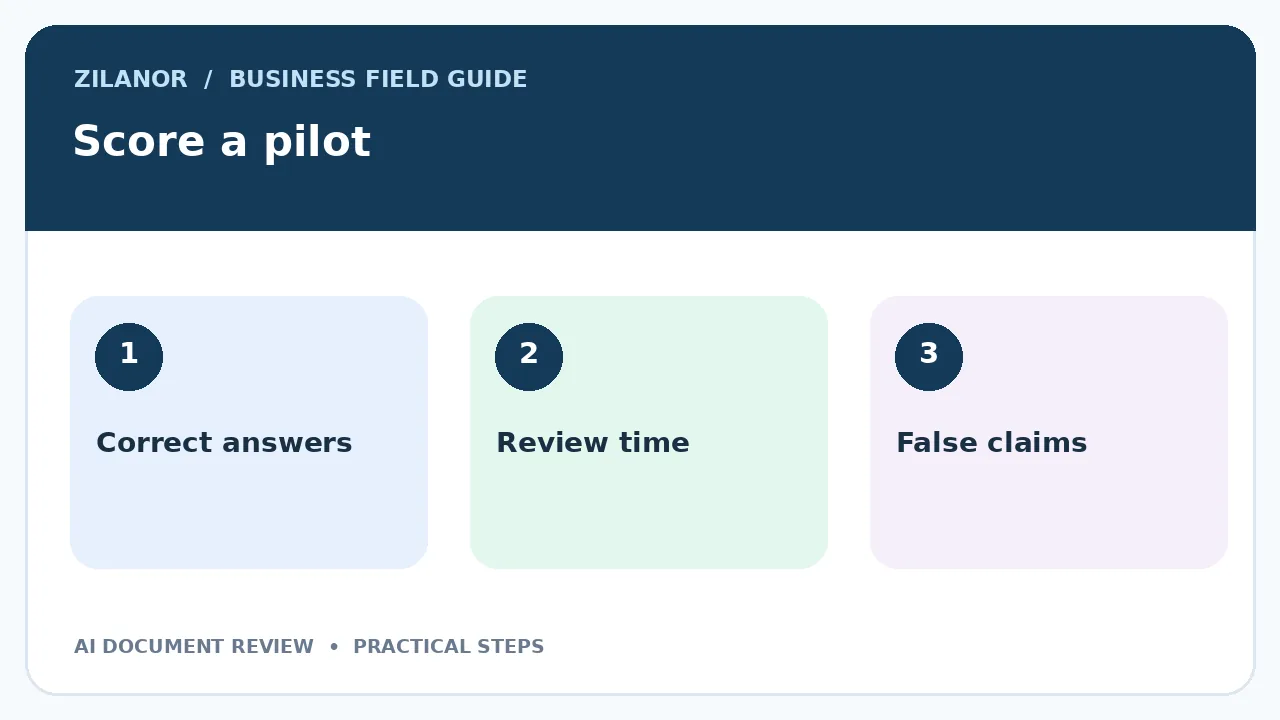
Run the same questions through the proposed workflow. Count four things: correct answers, missed facts, unsupported claims and time spent on human review. A fast tool is not useful if reviewers must read every file twice. A slower result with clear source marks may be better.
Do not treat one good demo as a real test. Vendors tend to show clean examples. Your team’s files may have scans, tables, mixed languages and poor names. Use those common files in the pilot. Try a case that should produce no answer. A safe system should be able to admit uncertainty.
Measure the true cost of document review
Count staff time, not only the subscription
Set a baseline before the pilot. Ask how long a manual review takes from opening the file to saving the result. Then measure the AI flow, including upload, prompt writing, review and corrections. If staff spend five minutes saving ten minutes but later need an hour to fix errors, the gain is not real.
Use a small sample for one month. Record volume, average review time, errors found before use and errors found after use. Never use a simple percentage from a tiny sample to promise a large gain across all documents. State the sample size and the kind of file tested.
The OECD’s 2026 SME survey draws on a non-representative sample of over 2,000 firms in 12 OECD countries. It shows why real business use matters, but the findings should not be taken as a forecast for any one team. Your own trial is the key test.
Handle scans, tables and mixed language
Check the file before the answer
Some tools first read a scanned page with optical character recognition. That step can change a digit or skip a row. If a contract amount seems odd, inspect the image, not just the AI text. Use a clear scan where possible and keep the original file attached to the review record.
Tables cause a second problem. A column may show prices for different regions or contract years. If the AI merges them, the answer can be wrong while each number is real. Ask it to name the row and column used. Then have a person compare that spot with the original table.
If the document is in a language the reviewer does not know, use a qualified translator for high-risk text. An AI translation can support search, but it should not replace a legal review. Write the source language in the record so future staff know what was checked.
Set rules for staff who use the tool
Make the last mile clear
Staff should know which files may be uploaded, which prompts are approved and which outputs may be shared. A short guide should show one good example and one bad one. State who to call when a file has sensitive data or the model gives two different answers.
Do not paste AI text into a final customer letter without review. A summary can help a staff member prepare, but the person signing the message must own its claims. Use a draft stamp or a separate folder until it has been checked. This can stop an early answer from being mistaken for policy.
When a vendor changes its model or terms, repeat the key tests. An update may improve one task and weaken another. Keep your known-answer set so that a new version can be compared with the old one. A quarterly review is a good starting rhythm for many small teams.
What a real first week can look like
On Monday, pick one low-risk document type. On Tuesday, gather ten clean sample files and remove private data. On Wednesday, write three prompts that ask for source proof. On Thursday, test the answers and mark each error. On Friday, decide whether the workflow is ready for a small pilot.
If the result is weak, narrow the task. Do not force the tool to do more. Perhaps it can find titles and dates well but cannot judge contract meaning. That is still a useful role. A small, clear use case is easier to train, audit and improve than a broad “AI assistant” that no one can trust.
A safe test you can run with one file
Ask for facts with proof
Choose a sample file with no real names. Write five facts you know are true. Add one fact that is not in the file. Ask the tool to find each answer. Tell it to say “not found” when it has no proof. Save the reply.
Now read the source. Mark each true answer. Mark each wrong claim. Check the page cue. Does it point to the right place? If the answer looks neat but has no proof, do not pass it. Send it back for review.
Try a file with a table. Ask for one row. Check each value by hand. Then try a scan with one hard-to-read line. Note what the tool missed. Do not make up a value to fill a gap. A blank can be the right answer.
Count the time spent on the test. Include the human check. If the tool saves no time, use it for a smaller task. If it helps, write a short guide for the team. Keep the test set for the next tool update.
Final takeaway
AI document review is most useful when the task has a clear boundary and a person can trace each result to a source. Start with one document type, protect the data, test known answers and keep review decisions in a shared sheet. Let the tool help find facts. Let people decide what those facts mean.


