
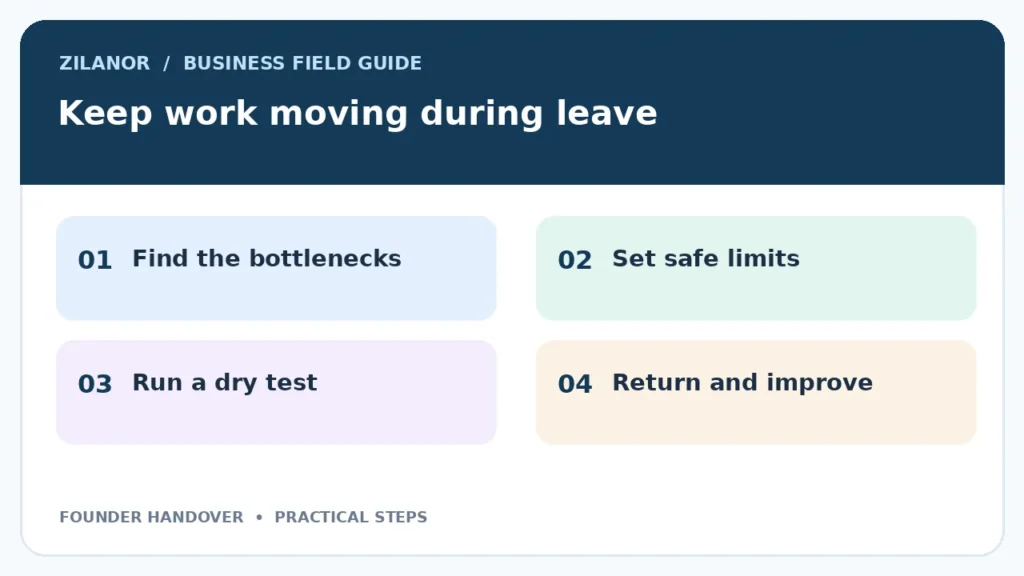

How to Run a Small Business Process Handover Before a Founder Takes Leave
A firm owner may want a real break. Yet a week away can feel risky when only one worker knows how orders, refunds, vendor calls or staff issues get handled. The answer is not to make a thick manual that no one reads. It is to find the few choices that stop work and give the team a safe way to handle them.
This guide shows how to prepare a short founder-absence plan. It works for a studio, a shop, a small service firm or a remote team. The goal is to keep normal work moving and make it clear when the owner must be called. It is not a plan to hand over full control of the company.
Find the points where work waits for you
Track a normal week before writing rules
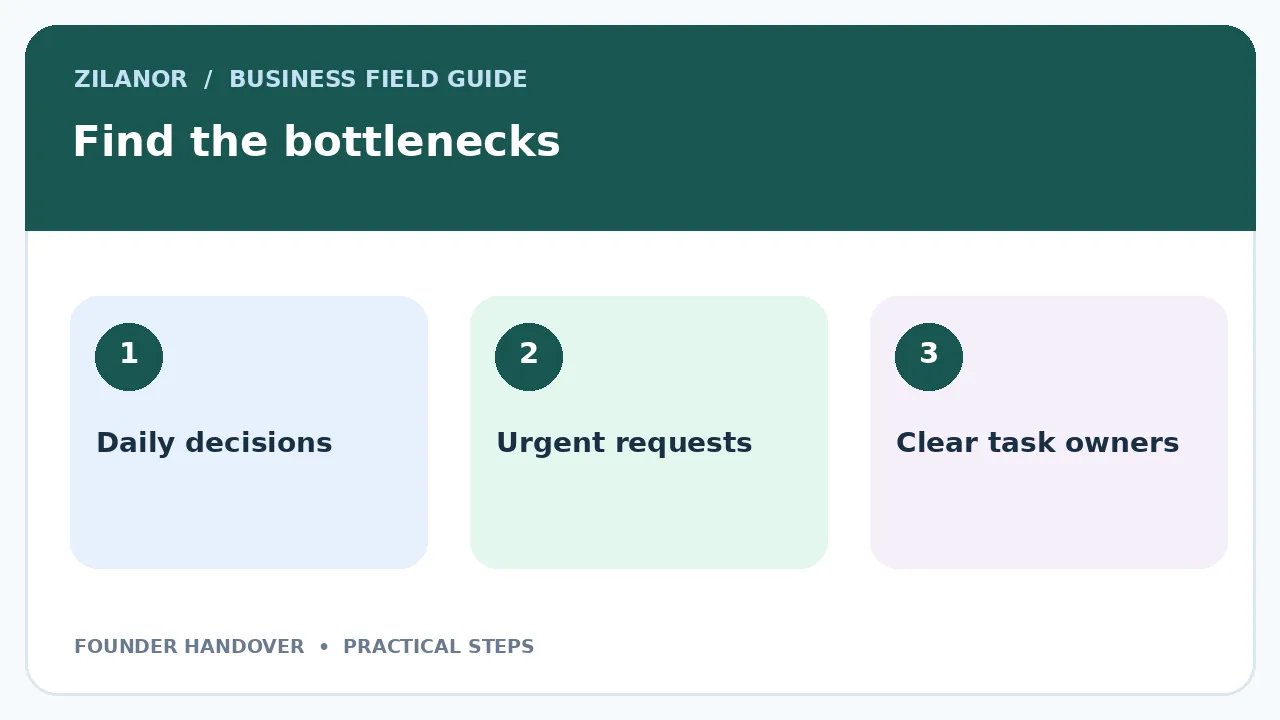
For five workdays, write down each time someone asks you to make a choice. The question may be small: can a buyer have a refund, should a late shipment get a new date, or who can approve a rush supply order? Put the task and the answer in a simple list.
At the end of the week, group the questions into money, customers, staff, suppliers and access. Mark which tasks can wait two days and which cannot. If a task appears every day, it needs a clear owner. If it appears once a year and has a high risk, it may need an outside expert.
A design studio founder might approve every client draft. A café owner might call every food vendor. These are different bottlenecks. One needs quality rules; the other needs order limits and backup contacts. A useful plan starts with the actual firm, not a generic template.
Choose one lead for each core task
Give a clear result, not a vague role
“Manage customers” is too broad. A stronger plan says, “Reply to new support messages within one business day and issue refunds up to the approved limit when the refund policy applies.” Now the staff member knows the work, the time and the boundary.
Choose someone who has the time and skill to do the work. Do not give five new jobs to a worker who already has a full day. If the team is small, split tasks among two or three people and write who acts when the first worker is absent.
Ask the new owner to repeat the rule in their own words. If the answer is not clear, the plan is not ready. Show them one finished case and one case that must be sent back for approval. This is faster than a long training slide deck.
Set money and risk limits
Define what can be decided without you
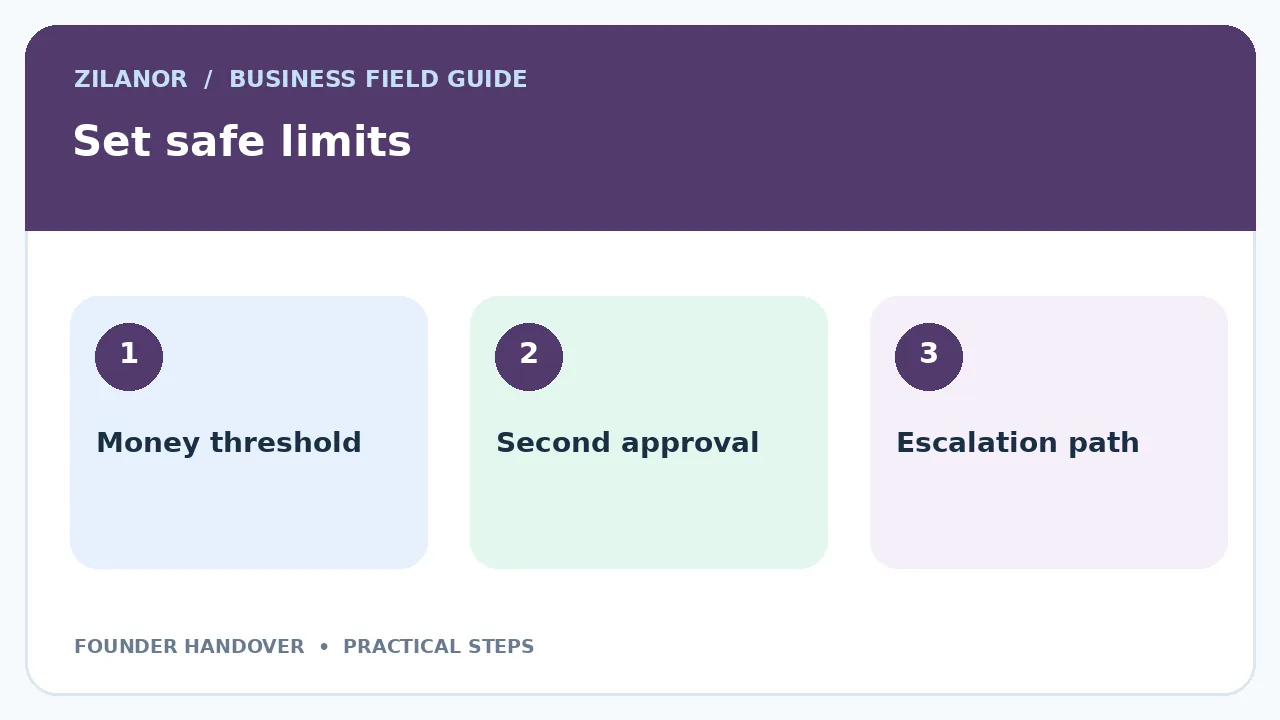
Most owners worry about a costly mistake. Use simple limits. A team lead might be allowed to buy a common part up to a set amount from approved vendors. A refund lead might resolve a routine case under the store policy. Any exception goes to a named backup worker.
Use amounts that fit your firm and local currency. Do not copy a number from someone else’s plan. Think about the cost of delay and the cost of a wrong choice. A small order for a needed supply may be safe. A change to bank details or a new contract is a different risk.
Write down actions that nobody may take without a second check. These may include changing a vendor’s payment account, sending customer data, signing long contracts or granting admin access. The point is to protect the firm while keeping normal work moving.

Create a one-page daily dashboard
Keep only decisions that need attention
A plan should show a few numbers, not every chart the firm owns. For an online store, that could mean open orders, delayed shipments, refunds waiting for a check and customer messages past the reply time. A service firm may track booked work, staff cover and invoices that need follow-up.
Ask each lead to add a short status at the end of the day. Use three labels: on track, needs action and waiting. For an issue that needs action, write the next step and its owner. Avoid long essays in team chat. A short update is easier to review across time zones.
Keep the dashboard in a tool the team already uses. A shared sheet can be enough. Make sure the right people can open it without using the founder’s personal account. Test access before leave starts. The best dashboard has no value if staff are locked out.

Prepare a customer response plan
Give staff a clear tone and a real choice
Customers need an honest answer, not a story about the owner’s holiday. Write a short note for common issues: delayed orders, missing files, refund requests and booking changes. Each should state what the team knows, what it will do and when the buyer can expect an update.
Do not make promises staff cannot keep. If a shipment date is unknown, give a time for the next update instead of a made-up delivery day. If a service slot must change, offer the choices the team can truly provide. Keep each note human and brief.
For case, a repair service may face a part delay. The staff lead checks the order, calls the vendor and tells the customer the current status. The lead may offer a new appointment under a clear rule. They do not promise a free upgrade without authority.
Run a two-day test before the break
Let the team work while you stay nearby
Pick two normal workdays when the owner will not answer routine questions. Tell the team to use the plan rules first. Remain available for real emergencies, but do not step into every small choice. The test will show whether the rules are enough.
Ask the leads to note every question they could not solve. At the end of each day, review the list. Some gaps need a better guide. Others mean a worker lacks access or training. Fix the cause, not only the one case. Then test again if the risk is high.
Record how many issues needed the founder. The right number is not always zero. A major payment issue should still reach an owner or a qualified backup. Success means routine work continues and serious choices reach the right worker.
Secure accounts without sharing passwords
Use named access and a recovery path
Do not send the founder’s main password to the team. Give each worker their own account and the least access needed. Use a trusted password manager where it fits. Set up a second admin or emergency contact if the service allows it. Check multi-factor sign-in before the founder leaves.
Review who can change payment details, delete records or see private client files. These rights should be limited. Some services let staff view orders but not change bank settings. Use those role options. If the tool has no safe role controls, move that task to a designated backup rather than sharing full access.
The NIST small firm cybersecurity resources can help teams think about access and response plans. Treat them as a practical reference, while checking the rules that apply to your own location.
Write an emergency call rule
Define what truly cannot wait
A founder’s break should not be broken for a late routine email. But a data breach, a serious safety issue or a large loss may need fast action. Write a short list of events that trigger a call. Name a backup when the founder cannot be reached.
For each event, tell staff the first safe action. If a payment account may be compromised, stop changes and contact the financial provider using a known channel. If a system is down, use the agreed outage step and tell affected customers what is known. Do not ask a junior worker to judge a complex legal issue on their own.
Put key contact details in a secure place that approved staff can reach. Include the web host, insurer, accountant and critical suppliers where relevant. Check the list each quarter. A phone number from three years ago is not much help in an urgent moment.
Plan the first day back
Review decisions without blaming the team
Ask each lead to show what was done, what remains open and which rules were hard to use. Look for the pattern. If a worker made a reasonable choice within the rule, support it even if you might have chosen another path. A plan fails when staff are punished for using the authority they were given.
Review money exceptions and customer complaints first. Then check access changes, vendor issues and the dashboard. Save any improved rule in the same place as the old one. Do not let the working copy hide in personal chat messages.
Plan one more absence test after a few months. Staff roles, tools and customers change. A step that worked in October may need edits by spring. A short check keeps the plan real.
Five short handover drills to try
Make the next choice clear
Try a refund case first. A buyer says the item did not work. Ask your lead to find the order. Check the return rule. Check what proof is needed. Let the lead decide within the set limit. If the case is not clear, call the backup. Write down what made it hard.
Next, test a late supply order. The usual vendor is out of stock. Can the buyer use a second source? Does the team know the safe price limit? Can they check the quality of the goods? If not, write the missing step. Do not rush a new vendor into the bank list.
Now test a staff absence. One worker calls in sick. Who covers the first shift? Who speaks to buyers if a date must move? Let the team find the answer in the guide. Do not tell them where it is. If they cannot find it, make the guide easier to use.
Then test a lost sign-in. A worker cannot open the order tool. Is there a named admin? Can the worker reach support? Can the backup use a safe account? Never share the owner’s password to solve a test case.
Last, test a serious fault. A buyer says a product may be unsafe. Stop routine replies. Ask the lead to use the safety path. Check who must be told and what records to keep. The aim is a safe first move. It is not a fast guess.
Test a late client call too. The buyer asks for a new date. Check the work queue. Ask who owns the job. Use a date the team can meet. Do not guess. Log the reply. Try the same case at shift change. Check that the next worker can find the notes.
How to start this week
Choose three tasks that depend on the founder today. Give each a named backup, a clear result and a safe limit. Write one case and one escalation case for each. Test them for two days while the founder is still nearby. This small trial will show what the team needs next.
The aim is not to remove the owner from every choice. It is to stop the owner being the only path through normal work. A clear plan gives the team confidence, protects customers and lets the founder take time away without losing sight of real risks.


Pingback: Shared Customer Inbox Setup for Small Teams